Buy Steam gift card with Crypto

Rating:5-18Reviews

Buy a Steam gift card with Bitcoin (BTC), Ethereum (ETH), USDT, USDC, PYUSD, Litecoin, Solana, Arbitrum or Dogecoin. You can also pay using Binance or choose from any of the other cryptocurrencies available. Select the amount, and once you've completed the transaction, you'll instantly receive the gift card code via email or view at the secure Cryptorefills Platfrom.

Instant delivery
Online&instoreredeemable

Select country

Steam gift cards are currently not available in United States.

#protip

Steam gift cards are region-locked. Steam actively monitors accounts and won't allow redemption outside the issuing country, including via VPN. We can't offer refunds for codes redeemed outside the issuing region.


Buy Steam gift card with Crypto
Steam gift card

About Steam gift cards

Steam is a digital distribution platform for video games with an extensive library of games, software and other digital content. Buy a Steam gift card with Bitcoin or other crypto on Cryptorefills, whether you're a dedicated gamer or looking for the perfect gift for a gaming enthusiast.

Pay for Steam with Bitcoin, USDT, and more

Cryptorefills supports 20+ cryptos including Bitcoin, Ethereum, USDT, USDC, Solana and Binance Pay. No KYC required. Your Steam gift card code is delivered instantly to your email.

Steam with crypto

How to pay with Crypto on Steam?

How to buy a Steam gift card with crypto on Cryptorefills:

Choose country/region and amount

Choose the region and the amount of the Steam gift card you want to buy with crypto.

Enter email or login

The gift card will be delivered to the email you entered. If you log in, the beneficiary's email is automatically set.

Select payment method

Select one of the available payment methods (Bitcoin, Binance, Ethereum, USDT, USDC and more).

Complete order

Follow the instructions on the screen to complete your order. Once Cryptorefills receives your payment, your gift card code will be shown on screen and sent to your email.

How to redeem your gift card

Redeem your Steam gift card in 3 steps
Copy the gift card code

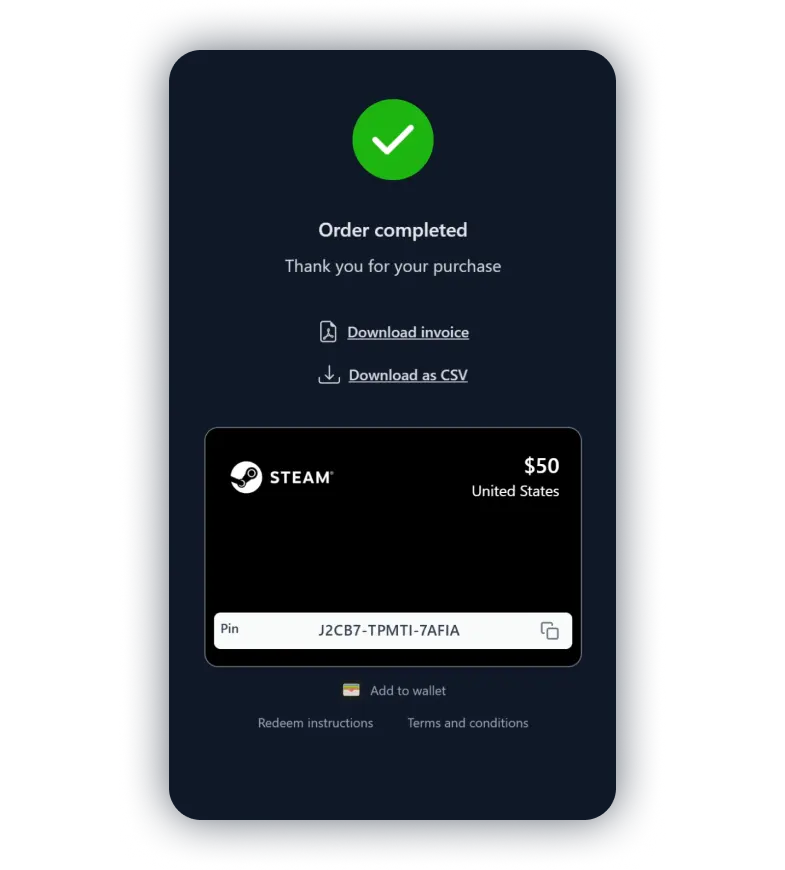
Copy the gift card code

After completing the purchase, copy the code of the gift card shown on screen.
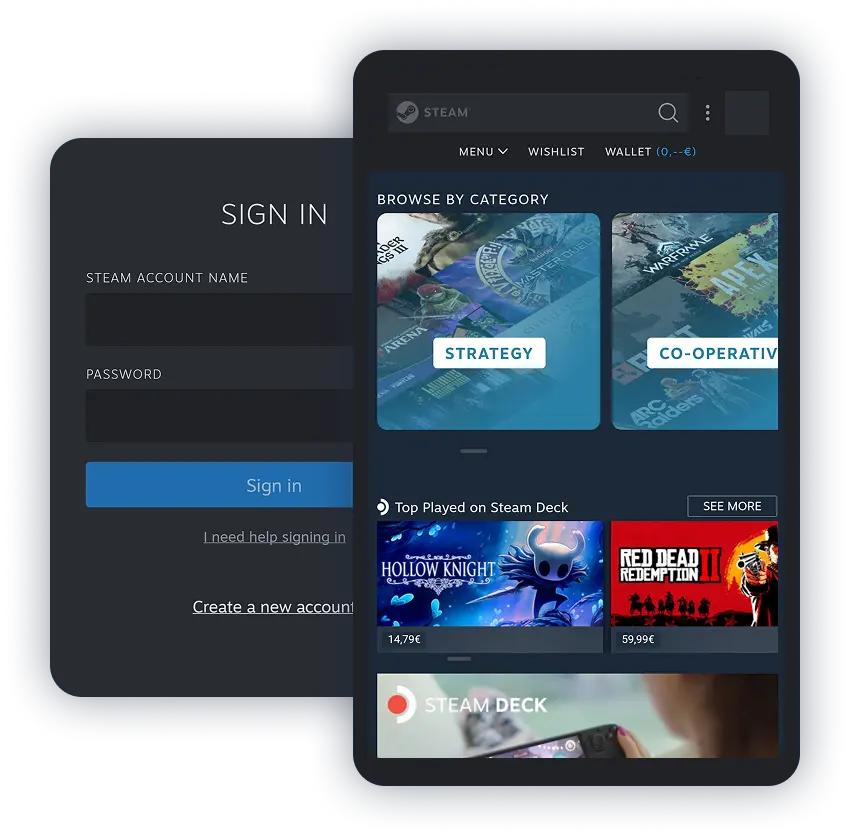
Open the Steam app and go to your Wallet

Open the Steam app and go to your Wallet

Launch the Steam app, log in to your account, and select "Wallet".
Redeem your gift card code

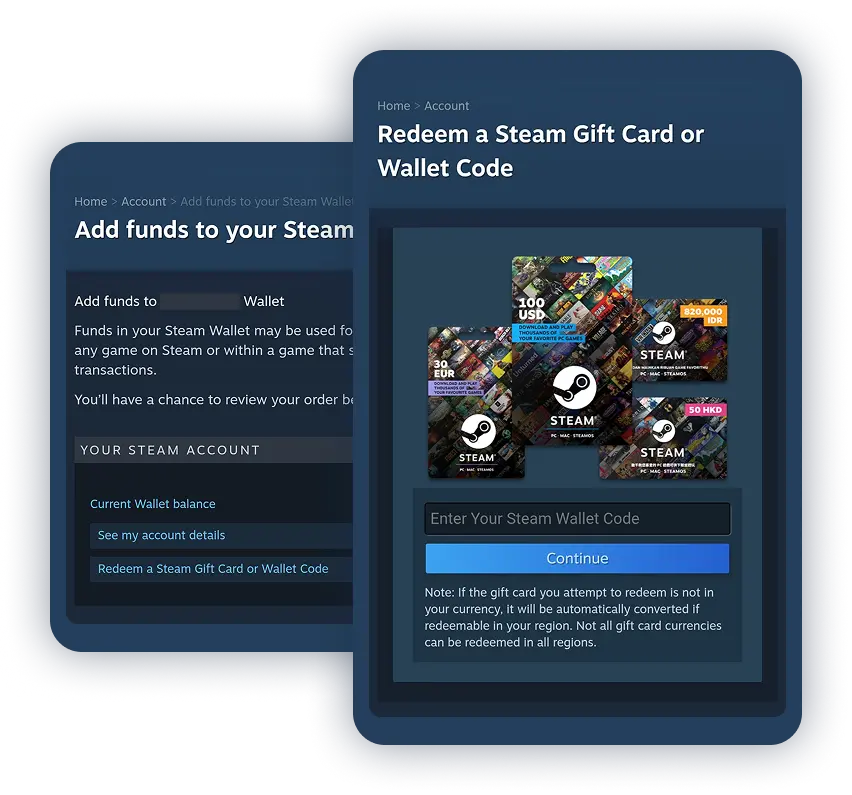
Redeem your gift card code

On the "Add Funds" page, select "Redeem a Steam gift card or wallet code". Paste your code and click Continue.

What our customers say

Pepe

It's crazy, at first I hesitated but after researching and making the first payment, and everything being so fast... It's the best for buying gift cards.

MOVILES AMORES

First-class service, the codes arrive very quickly, at most 2 minutes.

Anonymous

very fast and easy best option

Amin

My second purchase and IS STILL SO FAST!!! under a minute is all it takes!!

Anonymous

Very fast done in under a minute

Adrian

Super satisfied, the Steam code arrived instantly.

Anonymous

reliable and on time

Anonymous

Reliable and fast 10/10

Attu Oto

Very good product and 100% reliable

Finesse

Quick and painless experience.

Juju

Really fast and simple. Go for it

Ilia Goldstein

PERFECT! Fast and easy.

AJ

Works great and is fast

some indian

received it immediately and it works . thank you

Ngame

Excellent, I liked the app.

mati

speed and availability

Anonymous

Very good, simple, and fast

A Google user

Wasn't sure if this was legit because it's so new, but I sent $50 in BTC for a Steam gift card and received it instantly to my email with no signup required. Will definitely be using this in the future. Really nice and simple to use with a big gift code selection.

Frequently asked questions

  • Cryptorefills is an online gift card retailer that accepts 20+ cryptos as payment, including Bitcoin, Ethereum, Solana, Litecoin, Dogecoin, XRP, TON, TRON, Arbitrum, USDC, USDT and Binance Pay. No KYC required. Select an amount, pay with crypto, and receive your code instantly.
  • No. Cryptorefills does not require KYC (identity verification) for standard gift card purchases. You only need a valid email address to receive your Steam gift card code.
  • Steam does not accept Bitcoin or crypto directly. You can buy Steam gift cards with Bitcoin or other crypto on Cryptorefills, then redeem the code to add funds to your Steam Wallet.
  • The easiest way to redeem the voucher is to use the Steam client. After starting the client, go to the navigation menu and select 'Games'. Select 'Redeem a Steam voucher code' to top up your account.
  • The gift card code you receive on Cryptorefills is valid for at least 2 years.

eSIMs, flights & stays

Connect, explore, and relax.