Buy Netflix gift card with Crypto
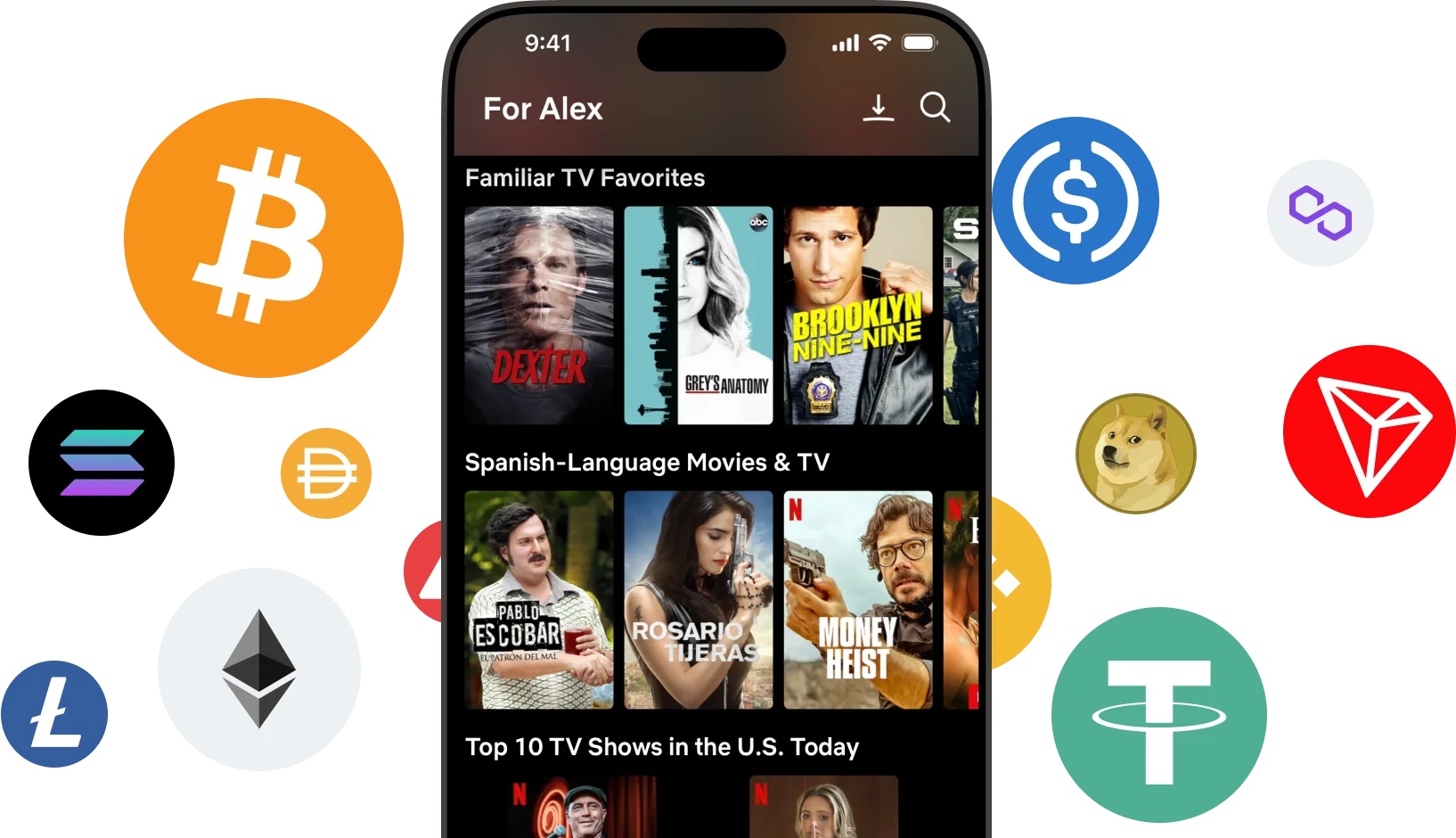
Buy a Netflix gift card with Bitcoin (BTC), Ethereum (ETH), USDT, USDC, PYUSD, Litecoin, Solana, Arbitrum or Dogecoin. You can also pay using Binance or choose from any of the other cryptocurrencies available. Select the amount, and once you've completed the transaction, you'll instantly receive the gift card code via email or view at the secure Cryptorefills Platfrom.
Select country
Netflix gift cards are currently not available in United States.

Pay Netflix with Crypto
About Netflix gift cards
Netflix offers a vast collection of TV shows and movies, accessible on the big screen or any Netflix-compatible device. Curious about purchasing a Netflix gift card using cryptocurrency? You're in the right place! We'll guide you through the process of buying a Netflix gift card using Bitcoin or other cryptocurrencies.
Pay for Netflix with Bitcoin, USDT, and more
Cryptorefills supports 20+ cryptocurrencies including Bitcoin, Ethereum, USDT, USDC, Solana, and Binance Pay, no KYC required. Your Netflix gift card code is delivered instantly to your email.
How to pay with Crypto on Netflix?
Follow these simple steps to buy a Netflix gift card with Crypto from Cryptorefills:
How to redeem your gift card
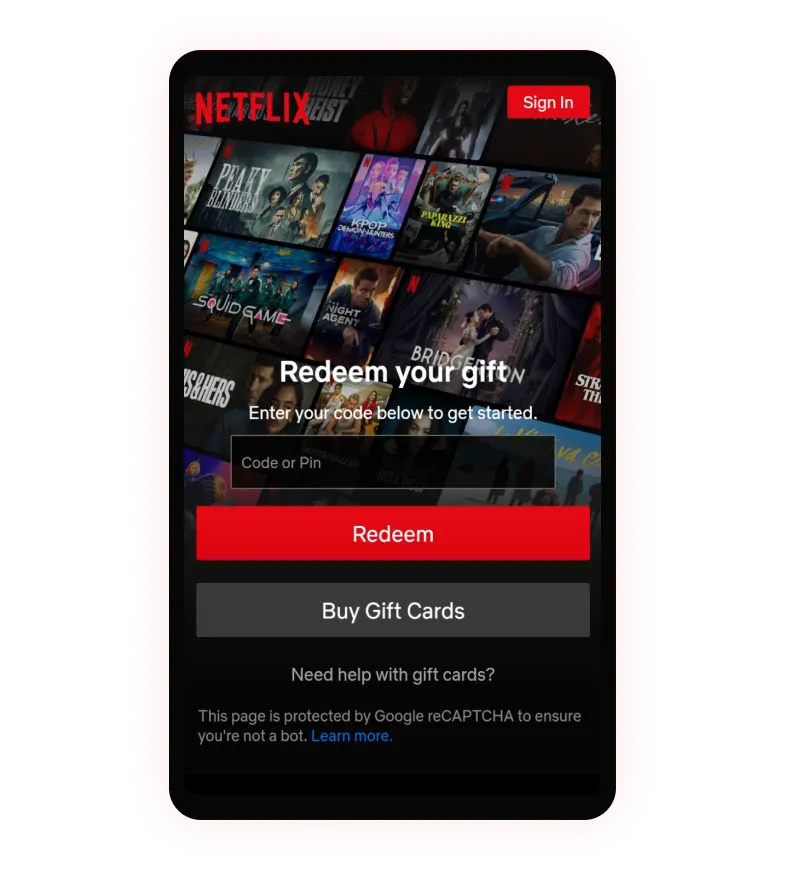
Simple 3 step guide to redeem your gift card
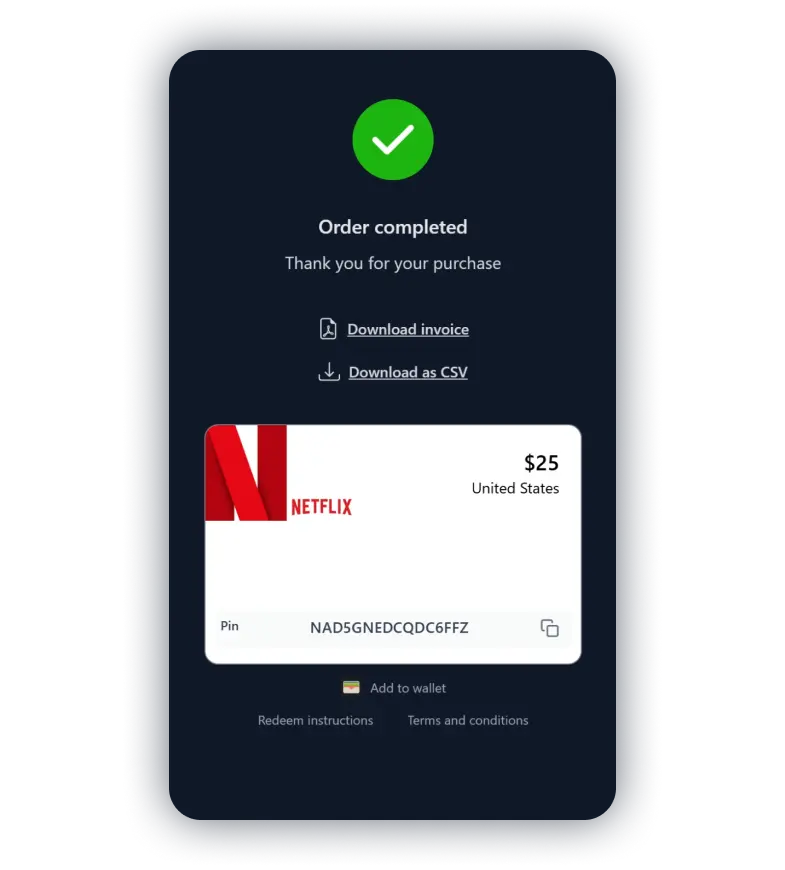
Copy the gift card code
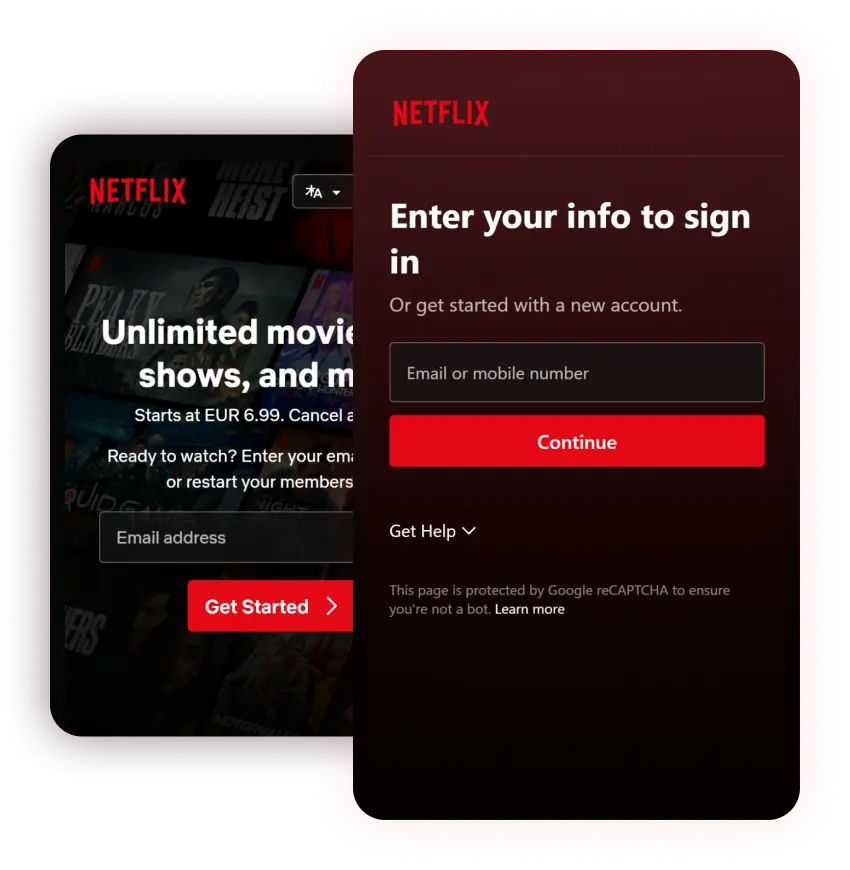
Go to the Netflix redeem page