Buy Nintendo eShop gift card with Crypto
Buy a Nintendo eShop gift card with Bitcoin (BTC), Ethereum (ETH), USDT, USDC, PYUSD, Litecoin, Solana, Arbitrum or Dogecoin. You can also pay using Binance or choose from any of the other cryptocurrencies available. Select the amount, and once you've completed the transaction, you'll instantly receive the gift card code via email or view at the secure Cryptorefills Platfrom.
Select country
Nintendo eShop gift cards are currently not available in United States.
Pay Nintendo eShop with Crypto
About Nintendo eShop gift cards
Nintendo eShop gift cards are a convenient way to purchase digital Nintendo Switch games, add-ons, and memberships. They allow you to add funds to your Nintendo account instantly without needing a credit card.
Buy Nintendo eShop gift cards with Bitcoin, USDT, and more
Cryptorefills supports 100+ cryptocurrencies including Bitcoin, Ethereum, USDT, USDC, and Solana. No KYC required. Your Nintendo eShop gift card code is delivered instantly to your email.
How to buy a Nintendo eShop gift card with cryptocurrency?
Cryptorefills makes it easy to buy a Nintendo eShop gift card with Bitcoin, Ethereum, USDT, and other cryptocurrencies. Just choose your gift card amount, complete the transaction, and receive your code instantly.
How to redeem your Nintendo eShop gift card
Add the balance to your Nintendo account in three steps
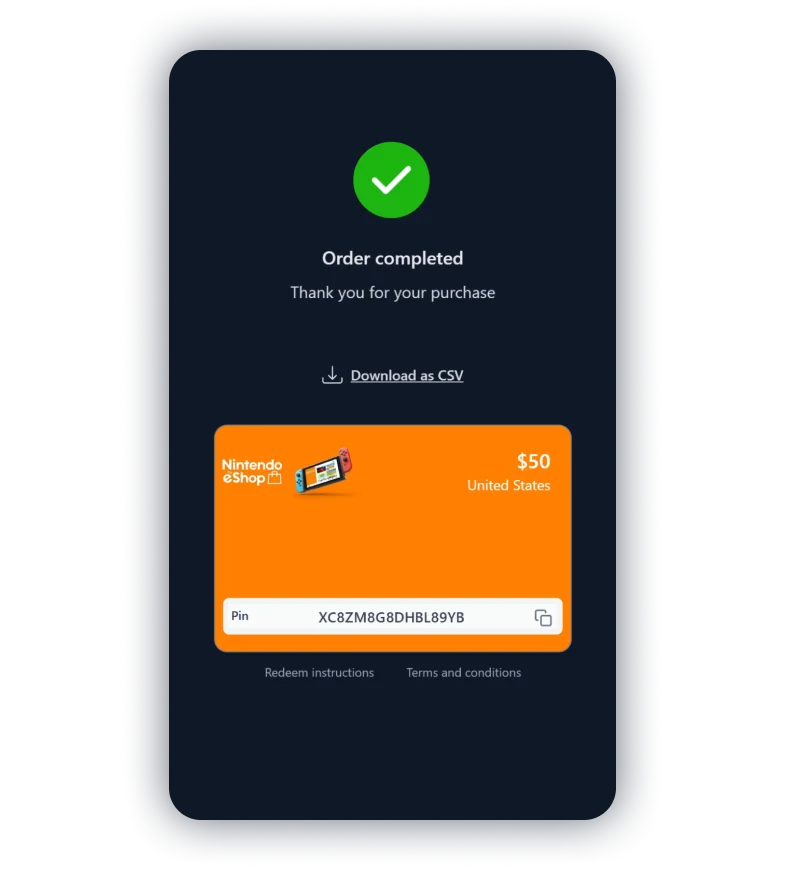
Claim and copy your gift card code
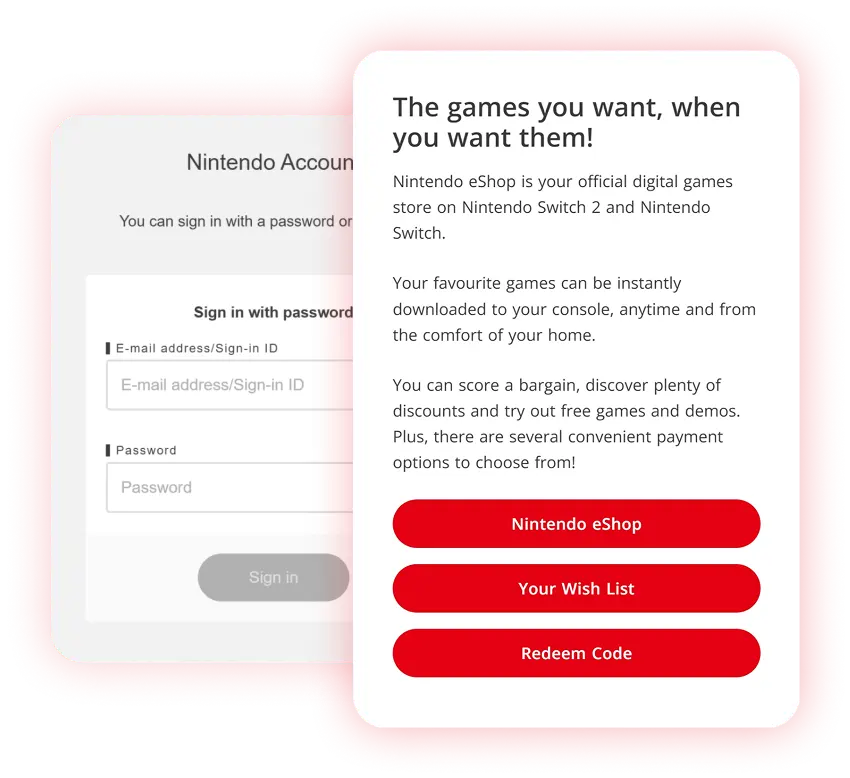
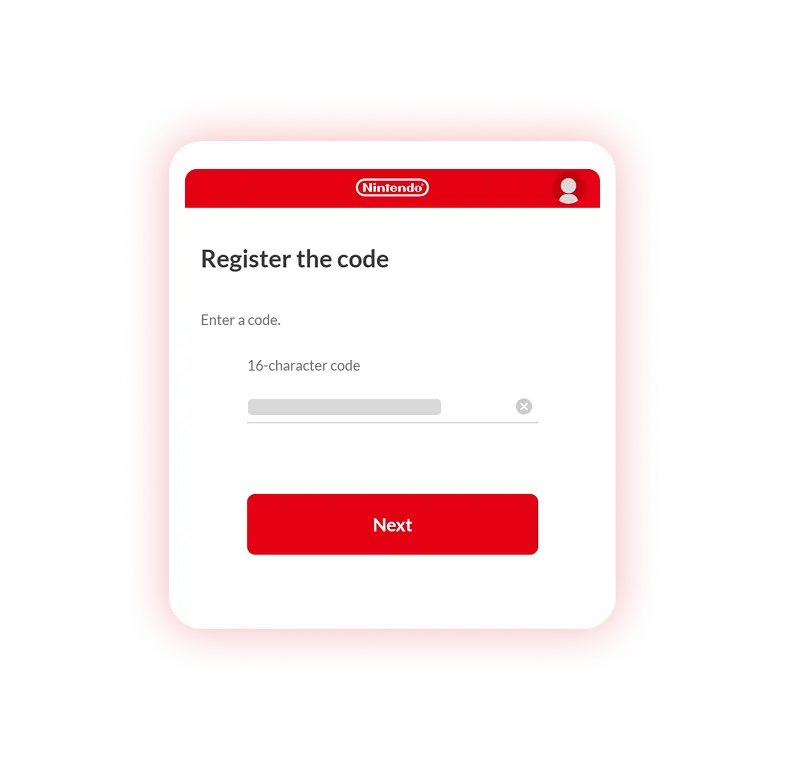
Go to the Nintendo eShop redeem page
Log in to your Nintendo account and go to the redeem page.
Or visit the Nintendo eShop website and select 'Redeem code'.