How to buy gift cards with crypto on iPhone (no KYC)

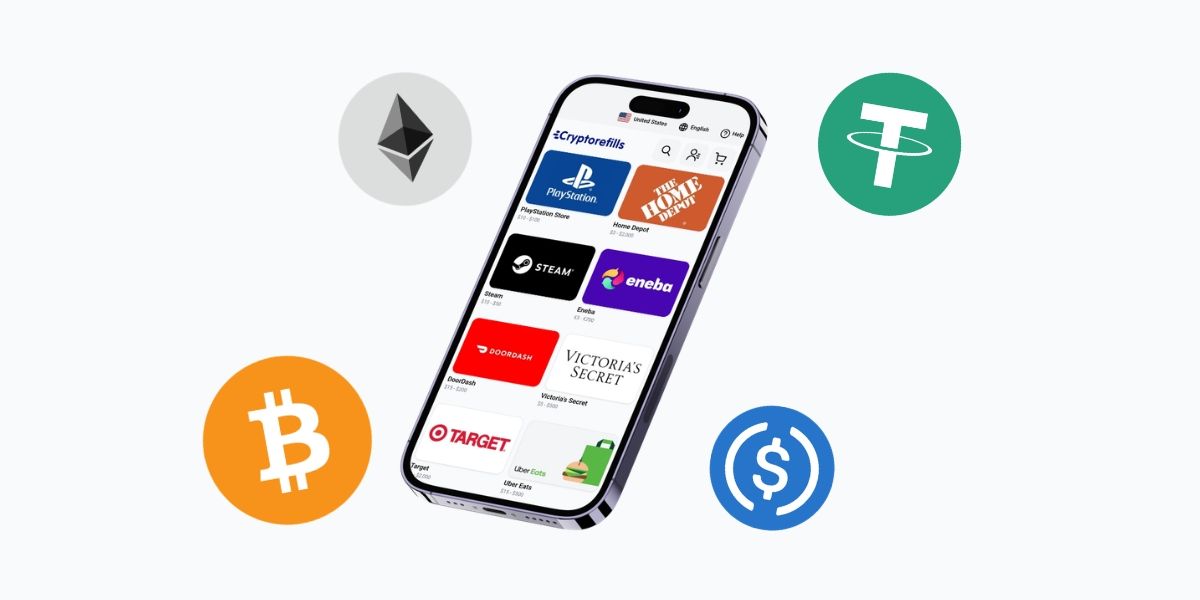
If you have Bitcoin, USDC, or any major crypto sitting in a wallet and you want to actually spend it, gift cards are one of the most practical options available. You can convert crypto into usable value at thousands of brands, instantly, without going through an exchange, without ID verification, and without waiting days for a bank transfer to clear.
This guide walks through exactly how to do that on iPhone.
What you need before you start
Two things: the Cryptorefills app installed on your iPhone, and a crypto wallet with a balance you can send from.
The app is free on the App Store. For the wallet, you can use MetaMask Mobile, Trust Wallet, Phantom, Coinbase Wallet, or a balance sitting in an exchange that supports BinancePay, KuCoin Pay, or Krak. The payment options are broad enough that most setups are covered.
Supported coins include BTC (Lightning Network), LTC, ETH, SOL, TRX, TON, DOGE, USDC, USDT, USDS, PYUSD, and several others across networks like Solana, Polygon, Tron, Arbitrum, Binance Chain, Base, and more.
Step-by-Step: Buying a gift card on iPhone
1. Open the Cryptorefills app and browse the catalogue.
Search by brand name, or filter by category (gaming, streaming, food, travel, retail, and others). The catalogue covers 6,600+ brands across 180 countries. Pay attention to the country setting, some brands only work in specific regions, so make sure what you're buying is redeemable where you need it.
2. Select the gift card and choose your amount.
Some gift cards come in fixed denominations. Others let you enter a custom amount within a range. Once you pick an amount, the app shows you the crypto equivalent in real time so you know exactly what you're sending.
3. Choose your coin and network.
Pick whichever coin you're holding. If you're using USDC or USDT, you'll also choose the network (Solana, Polygon, Tron, Ethereum, and others are all options). Match this to wherever your balance actually is. Sending on the wrong network is the most common mistake in any on-chain payment flow.
If you're paying through an exchange like Binance, KuCoin, or Kraken, select the corresponding pay option instead. It'll redirect you to confirm inside the exchange app.
4. Send the payment.
For on-chain payments, the app shows a wallet address and QR code. Since you're on iPhone, you can open your wallet app directly from here and approve the transaction without copying anything. The payment window gives you about 12 minutes, which is enough time to complete it comfortably.
5. Receive your gift card code.
Once the payment confirms, the code appears in the app. For most products this is near-instant. Some brands take a few minutes. Either way, you're not waiting long.
A few things worth knowing
The no-KYC part applies to the purchase flow. You don't create a verified account, you don't submit documents. But you do need an email address to receive your order confirmation and code delivery as a backup.
Crypto prices move, and the checkout shows you the exact amount to send at the time of purchase. If you take too long to initiate the payment and the window expires, you'll restart the checkout and get a fresh rate. Not a big deal, just worth being aware of.
Stablecoins like USDC or USDT are the most predictable option here since the amount you send matches what you expect to pay. If you're using BTC or ETH, the conversion is calculated at checkout and locked for the payment window.
Download the app
The Cryptorefills app is available free on the App Store.