How to buy a Nintendo eShop gift card with crypto

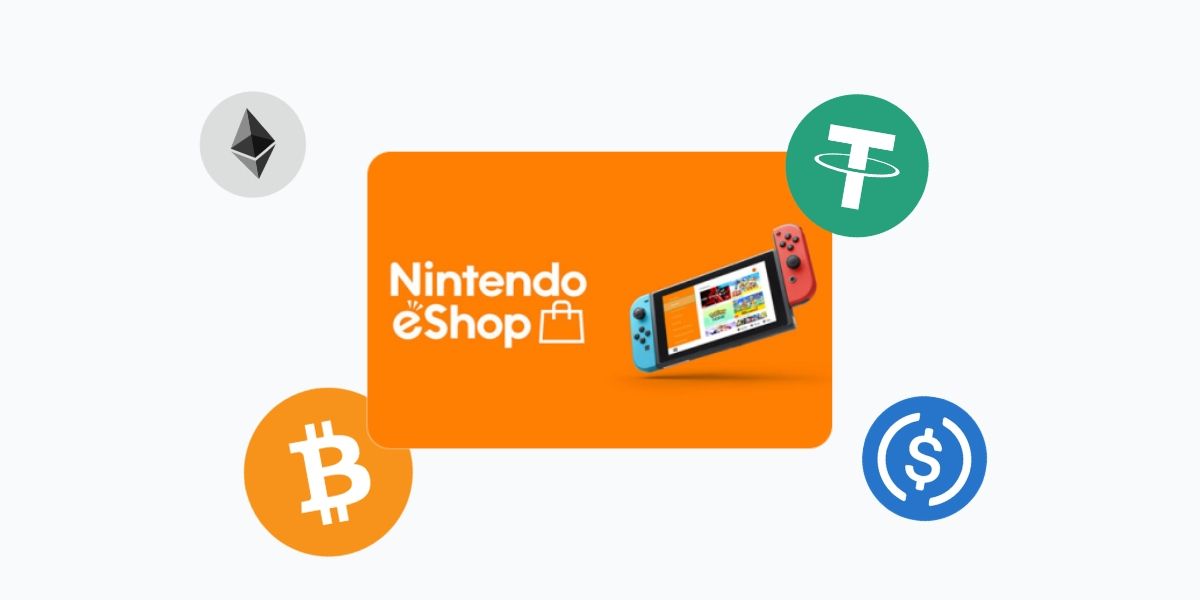
Whether you're stocking up for new Switch 2 titles or topping up a Switch you've had for years, it's the fastest path from crypto to your game library.
Why pay for Nintendo eShop with crypto?
Nintendo's eShop runs on fiat. That's a problem if you're holding BTC, USDT or any other coin and don't want to cash out just to buy a game. A Nintendo eShop gift card bridges that gap.
Here's what you get on Cryptorefills:
- Instant delivery. Your code arrives by email as soon as your transaction confirms. For Bitcoin Lightning payments, that's often under a minute.
- No KYC. No ID verification, no account checks, no waiting. Terms and conditions apply.
- 20+ coins accepted directly, with 100+ available through Binance Pay, Krak and KuCoin Pay. BTC, ETH, USDT, USDC, SOL, TRX, LTC, DOGE and more, across Lightning, Ethereum, Solana, Tron, Base, Arbitrum and other networks.
- Multiple regions. Nintendo eShop gift cards are region-locked. Cryptorefills carries cards for the US, UK, EU, and more. Pick the one that matches your Nintendo Account.
What you can buy on Nintendo eShop
Once your gift card balance is loaded, it works across everything in the eShop:
- Full games for Nintendo Switch and Switch 2
- Downloadable content (DLC) and expansion packs
- Nintendo Switch Online and Switch Online + Expansion Pack memberships
- Nintendo Switch 2 Edition upgrade packs for compatible Switch titles
- In-game purchases and virtual currency
The Switch 2 launched in June 2025, bringing a fresh catalog of exclusives alongside backward-compatible Switch titles. An eShop balance covers all of it.
How to buy a Nintendo eShop gift card with crypto on Cryptorefills
Step 1: Open Cryptorefills
Go to the Nintendo eShop section on Cryptorefills. Select your region. Make sure it matches the country linked to your Nintendo Account.
Step 2: Choose your card value
Pick the denomination you want. Common options include $10, $20, $35 and $50, though availability varies by region.
Step 3: Select your coin and network
Choose from Bitcoin (BTC), Ethereum (ETH), USDT, USDC, SOL, TRX, LTC and more. Select the network. Lightning for near-instant BTC transactions, or whichever chain your wallet supports.
Step 4: Complete payment
Send the exact amount shown to the payment address. Once confirmed, your Nintendo eShop gift card code appears on screen and is sent to your email.
Step 5: Redeem on your console
On Nintendo Switch or Switch 2: open the Nintendo eShop, select your account icon, then choose "Redeem Code." Enter the 16-character code and press confirm. The balance is added to your account immediately and ready to spend.
Region locking: what you need to know
Nintendo eShop gift cards are region-specific. A US card can only be redeemed on a Nintendo Account set to the United States. A UK card works on UK accounts, and so on.
Before you buy:
Check which region your Nintendo Account is set to. You'll find this under your account settings at accounts.nintendo.com.
Buy the card that matches that region exactly.
If you bought your Switch in one country and your account is set to another, use the account region, not the console's country of purchase.
Redeeming a card in the wrong region won't work, and gift card codes are non-refundable once issued.
Frequently Asked Questions (FAQs)
- No. Nintendo eShop only accepts credit cards, PayPal and gift card balances as payment methods. Buying a Nintendo eShop gift card with crypto on Cryptorefills is the way to use your coins in the eShop.
- No. Nintendo eShop gift cards don't carry an expiry date. You can redeem a card and let the balance sit on your account as long as you like.
- No. Once a code is redeemed, the full balance goes to that account. You can't split a single code across two accounts.
- Nintendo caps the unused balance on a single account at $200 (for US accounts). Other regions have their own limits. If you're near the cap, redeem the card and spend some balance before buying another.
- Double-check that you're redeeming in the correct regional eShop and that you've entered all 16 characters correctly. If the issue persists, contact Cryptorefills support with your order details.
- Yes. Nintendo Switch Online memberships and Nintendo Switch Online + Expansion Pack can both be purchased using your eShop balance.
- Yes. Nintendo Switch Online memberships and Nintendo Switch Online + Expansion Pack can both be purchased using your eShop balance.