Mobile top-up: how to enter the right number and pick the right operator

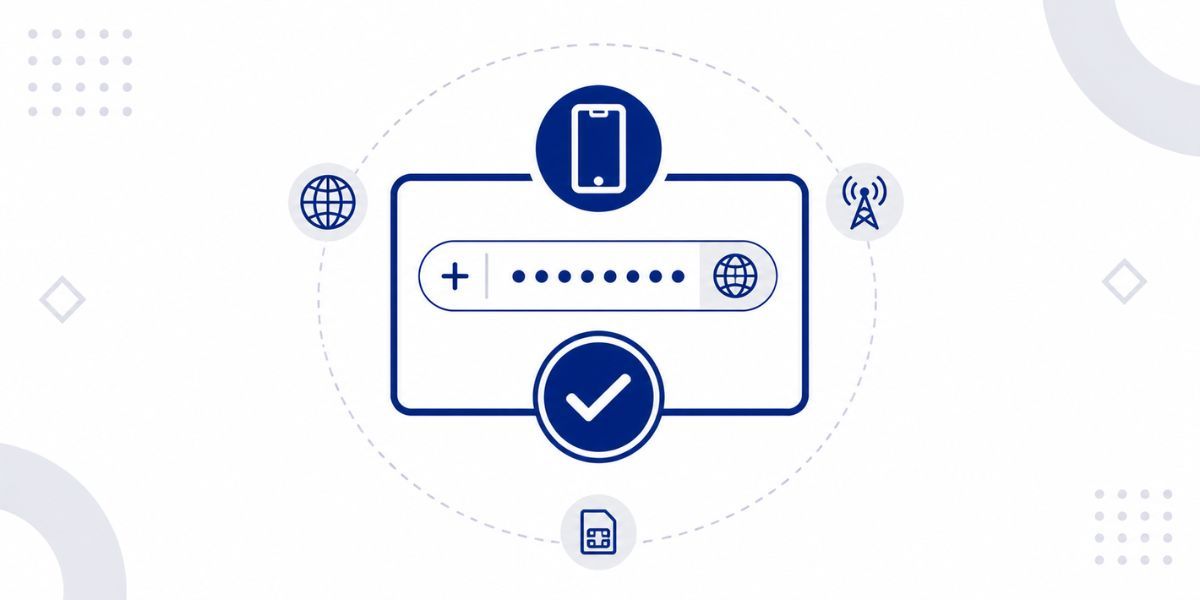
Why number format determines whether a top-up completes
Mobile top-ups are applied directly to the phone number entered at checkout, with no intermediate verification step. If the number is entered incorrectly, the transaction may be rejected, applied to an unintended number, or processed to a number that doesn't exist on that network. In all of these cases, the top-up cannot be recovered or redirected.
Always enter the number exactly as it appears in the number field on the Cryptorefills site, with no extra spaces or characters.
Selecting the correct operator
In many markets, multiple mobile operators serve overlapping number ranges, since number portability lets subscribers move to a different network while keeping their number. This means the same number prefix may no longer indicate the current carrier.
The most reliable way to confirm the correct operator is to check with the number's owner which network they're currently on. In markets where number portability is common, this is more reliable than inferring the network from the number prefix. If an operator has more than one product or credit type listed and you are not sure which your SIM supports, check with your operator before buying.
Frequently asked questions
- If the number entered at checkout is a valid number on the selected operator's network, the top-up will be applied to that number and cannot be redirected. Contact Cryptorefills support immediately with your order number if you realise the error before the transaction has been processed. Once the carrier has applied the credit, the transaction is final.
- Enter the number in its local format, exactly as it appears in the number field on the Cryptorefills site. The country comes from the product you select, so no country code is needed. Double-check every digit before confirming, because a top-up sent to the wrong number cannot be recovered.
- If the operator selected at checkout does not match the network the number is currently on, the carrier will typically return an error or apply the credit to a non-existent account on the selected network. Contact support with the order number and the details of the situation. The outcome depends on how the specific carrier processed the transaction, which support can investigate.
- Yes, but some carriers may reject a top-up if the account has reached its balance limit, returning a limit exceeded error. If this happens, contact Cryptorefills support with the order number.
- Operator detection from a number prefix is unreliable in markets where number portability lets subscribers move between networks while keeping their number. Requiring explicit operator selection ensures the top-up goes to the subscriber's current network. The most reliable source for which operator a number currently sits on is the number's owner.