Buy Google Play gift card with Crypto
Buy a Google Play gift card with Bitcoin (BTC), Ethereum (ETH), USDT, USDC, PYUSD, Litecoin, Solana, Arbitrum or Dogecoin. You can also pay using Binance or choose from any of the other cryptocurrencies available. Select the amount, and once you've completed the transaction, you'll instantly receive the gift card code via email or view at the secure Cryptorefills platfrom.
Gift cards are generally not redeemable outside the country they are issued it. We are unable to provide support or refunds for codes redeemed outside the issuing country, this includes via VPNs and other such methods.
Select country
Amount
$
Points
Pay Google Play with Crypto
What is a Google Play gift card?
A Google Play gift card is a prepaid card that adds credit to your Google account. Use it to buy apps, games, movies, books, and in-app purchases across Android devices. Available in multiple denominations, it's the perfect way to shop on Google Play without a credit card.
Buy Google Play gift cards with Bitcoin, USDT, and more
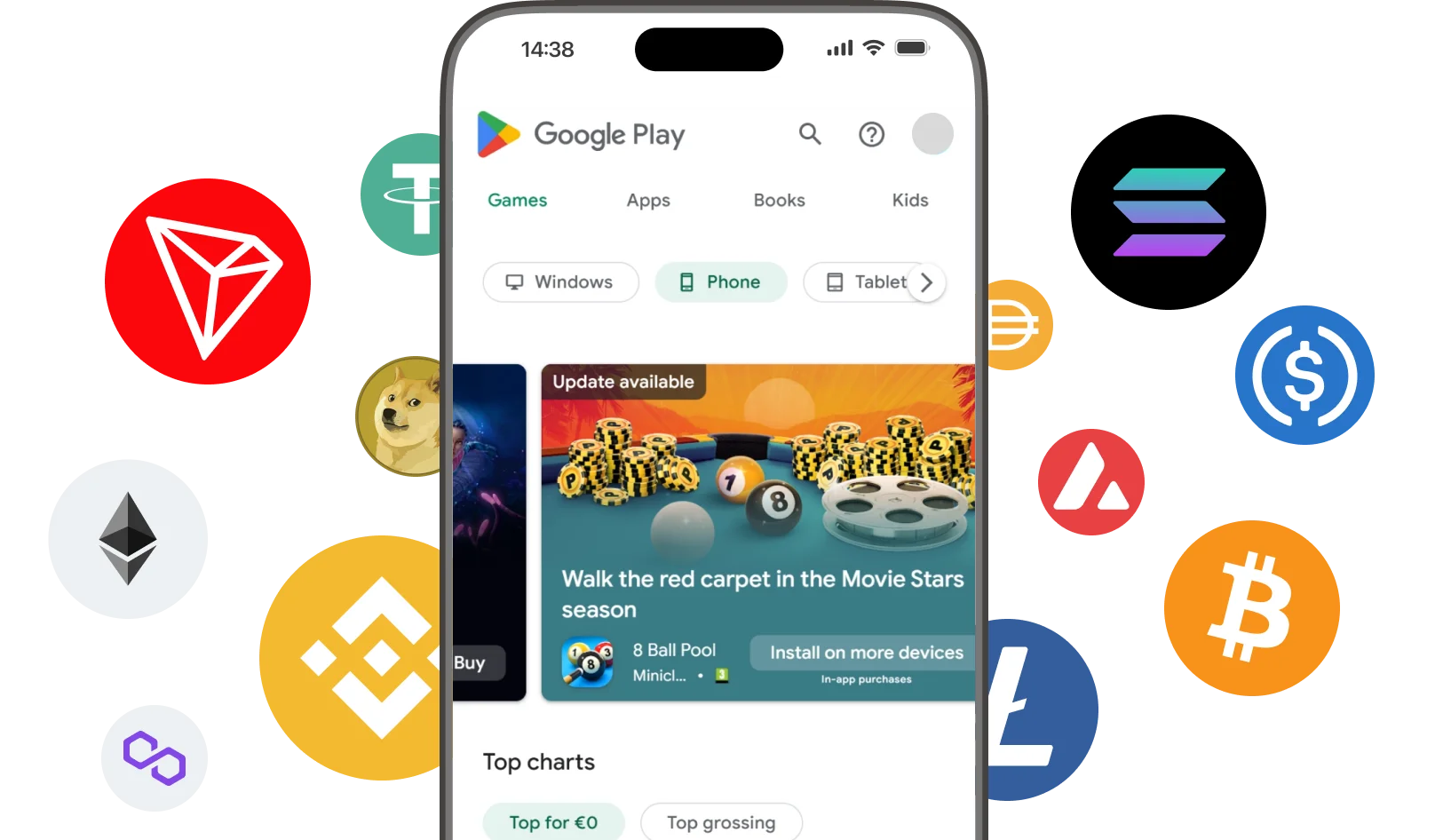
Cryptorefills supports 100+ cryptocurrencies including Bitcoin, Ethereum, USDT, USDC, Solana and Binance Pay. No KYC required. Your Google Play gift card code is delivered instantly to your email.
How to buy Google Play gift cards with crypto
Cryptorefills makes it easy to buy a Google Play gift card with Bitcoin or any crypto in just a few steps.
How to redeem your Google Play gift card
Add the balance to your Google account in three steps
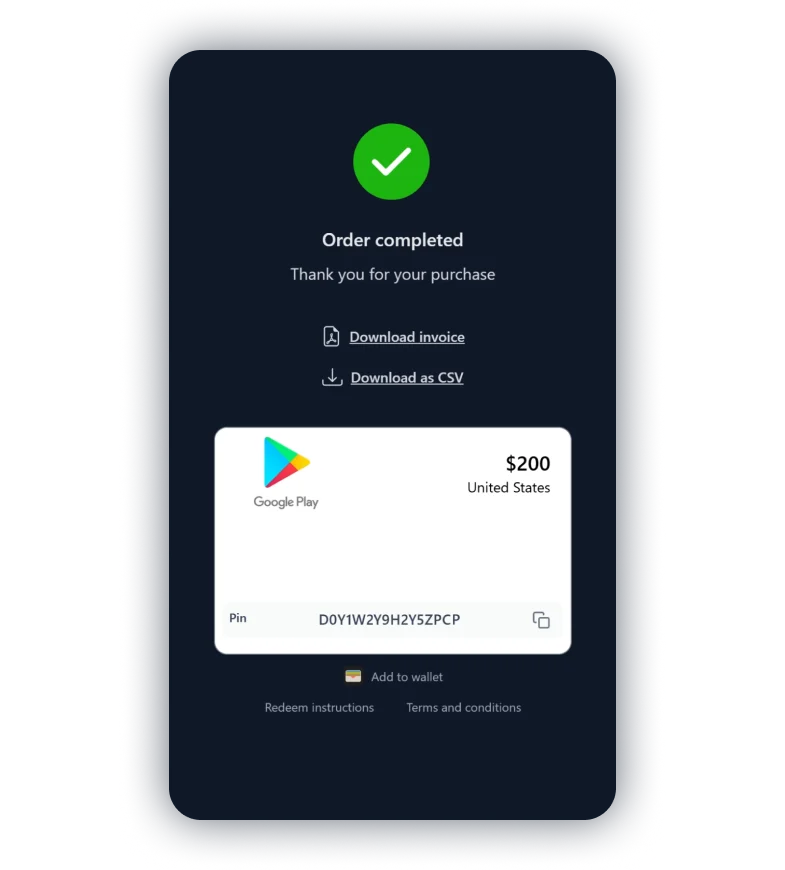
Claim and activate your gift card
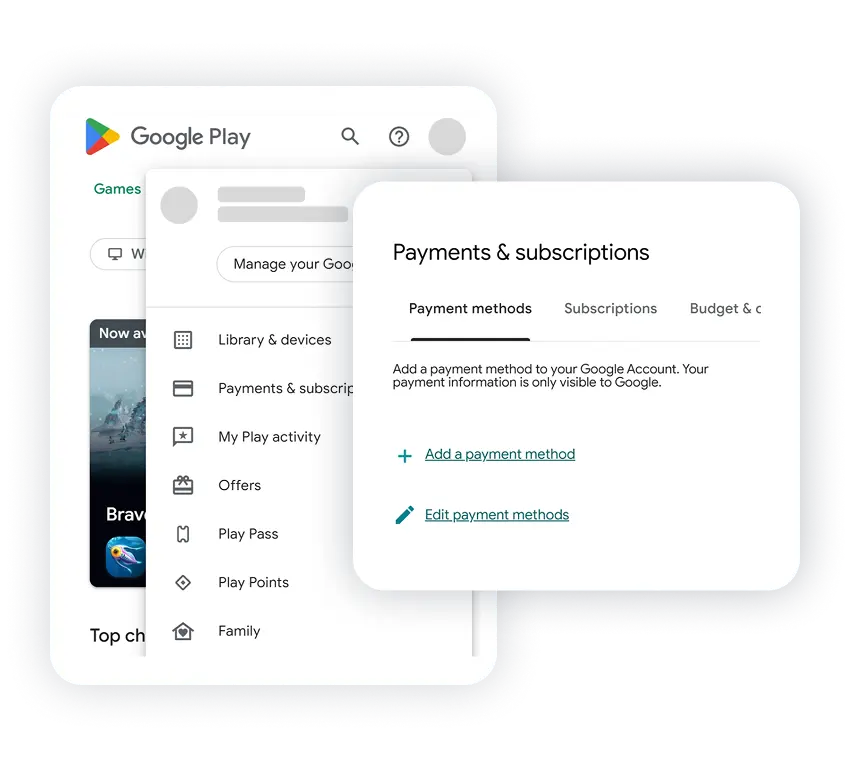
Open Google Play and go to payments
Log in and go to the redeem page.
Or open the Play Store app, tap your profile, select 'Payment & subscriptions', and tap 'Redeem gift code'.
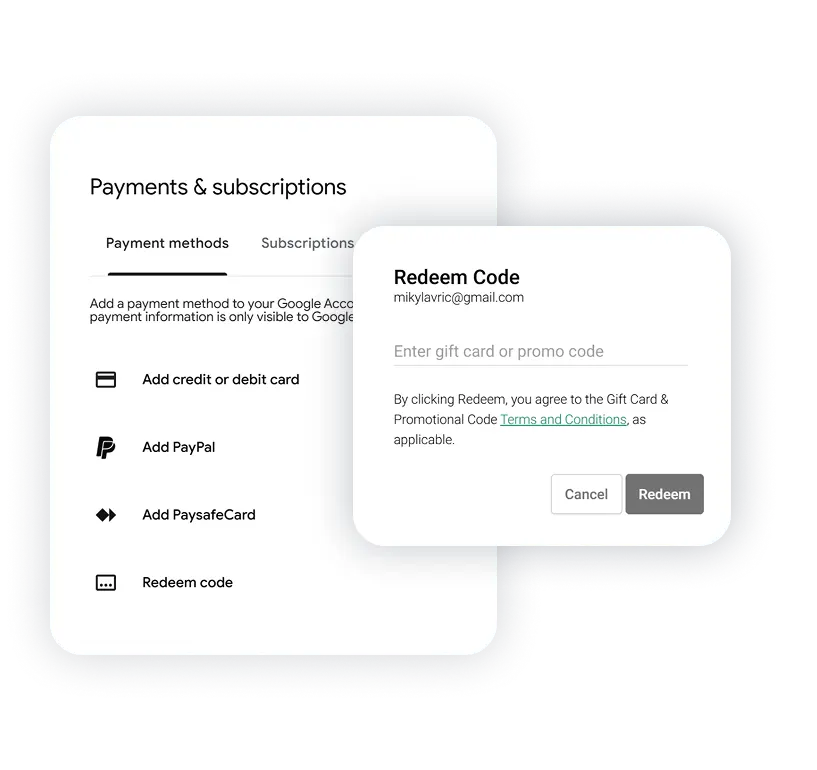
Paste your code and tap Redeem
Paste your gift card code and tap Redeem. The balance is added to your Google account instantly.
Via the app, tap 'Redeem gift code', enter the code, and tap Redeem.