How to buy a Spotify gift card with crypto

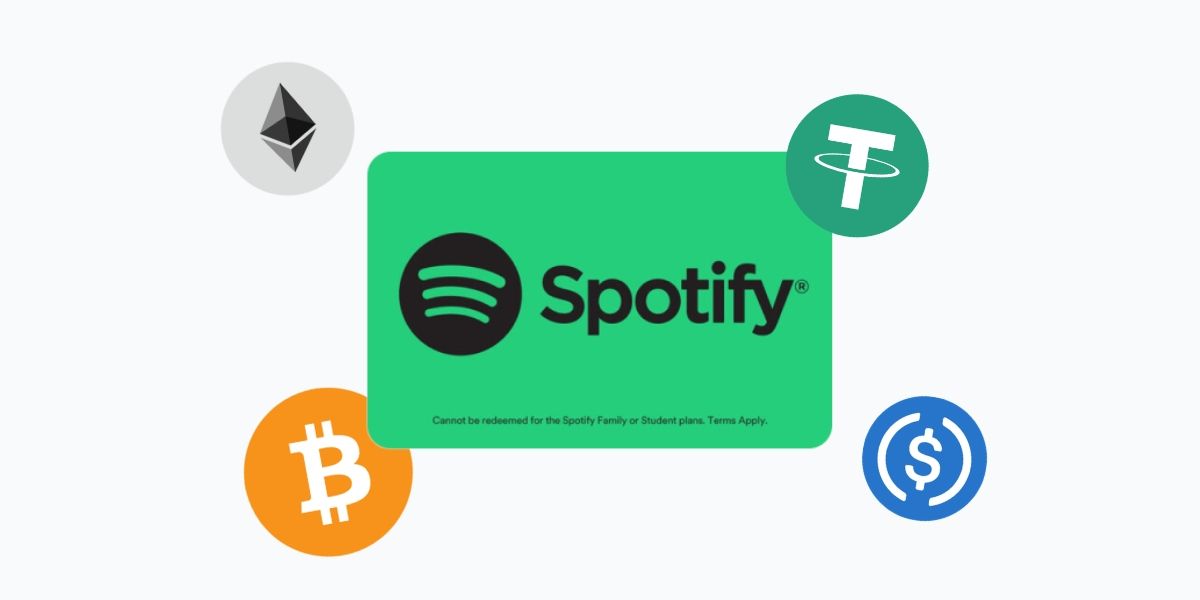
Spotify doesn't accept Bitcoin. You can't pay for Premium with USDT, ETH, or any other cryptocurrency directly on the platform.
The workaround is a Spotify gift card. Buy one with crypto, get a code by email, redeem it at spotify.com/redeem, and your account upgrades to Premium immediately. The whole process takes under five minutes.
How to buy a Spotify gift card with crypto on Cryptorefills
- Open or visit Cryptorefills and select the Spotify gift card.
- Select the region that matches your Spotify account country. The card is region-locked, so this is an important step.
- Enter your email address to receive the code. If you're logged into Cryptorefills, it's pre-filled.
- Choose your cryptocurrency and network at checkout. BTC via Lightning Network, USDT, USDC, ETH, and 100+ other coins are accepted across Solana, Polygon, Tron, Base, Arbitrum, Avalanche, TON, Binance Chain, and more. You can also pay via Binance Pay or Gate.io.
- Send the exact amount to the payment address shown.
- Done. Your gift card code arrives by email as soon as your transaction confirms on-chain.
No account required. No ID verification. No KYC.
What can you use a Spotify gift card for?
The gift card adds Premium time to your account. Once redeemed, you get:
- Ad-free listening on all songs and podcasts
- Offline downloads for listening without a connection
- Unlimited skips
- High-quality audio streaming
- The ability to play any song on demand, not just shuffle
One thing to be clear on: Spotify gift cards only apply to the Premium Individual plan. They can't be used for Student, Duo, or Family plans, trial offers, or discounted subscriptions. If you're on one of those plans, you'll need to switch to an Individual plan before redeeming.
You can stack multiple gift cards on the same account, up to 18 months of Premium time total. That's useful if you want to load up during a sale or just set your subscription on autopilot for a while.
How to redeem your Spotify gift card
Redemption goes through Spotify's website, not the mobile app. This is intentional to avoid Apple and Google's in-app billing fees.
- Go to spotify.com/redeem in any browser.
- Log in to your Spotify account.
- Enter the code exactly as shown. No spaces.
- Click Redeem.
Premium activates immediately. If you already have an active Premium subscription, the gift card time gets added to the end of your current billing cycle.
A note on region matching
Spotify gift cards are region-locked. A US card only works on a US Spotify account, a UK card on a UK account, and so on. The region is tied to the country set in your Spotify account settings, not your physical location.
To check your account's country: log in at spotify.com, go to Account, and look under Account Overview. Make sure the card region you choose at checkout matches what's listed there. A mismatch will result in a redemption error and codes that have been attempted but failed due to region mismatch generally can't be refunded, so it's worth checking before you pay.
Cryptorefills carries Spotify gift cards for multiple regions. Pick the one that matches your account.
Frequently asked questions
- No. Gift cards only work with the Premium Individual plan. Student and Family plan billing runs through separate systems that don't accept gift card credit.
- Spotify gift cards don't expire in most regions. Once you receive the code from Cryptorefills, you can redeem it at any point.
- Yes. Cryptorefills doesn't require account registration or ID verification for gift card purchases. You just need an email address to receive the code.
- Codes are delivered by email within minutes of your crypto transaction confirming on-chain. Bitcoin Lightning payments typically confirm in under a minute.
- Codes are delivered by email within minutes of your crypto transaction confirming on-chain. Bitcoin Lightning payments typically confirm in under a minute.