How to buy an Xbox gift card with crypto

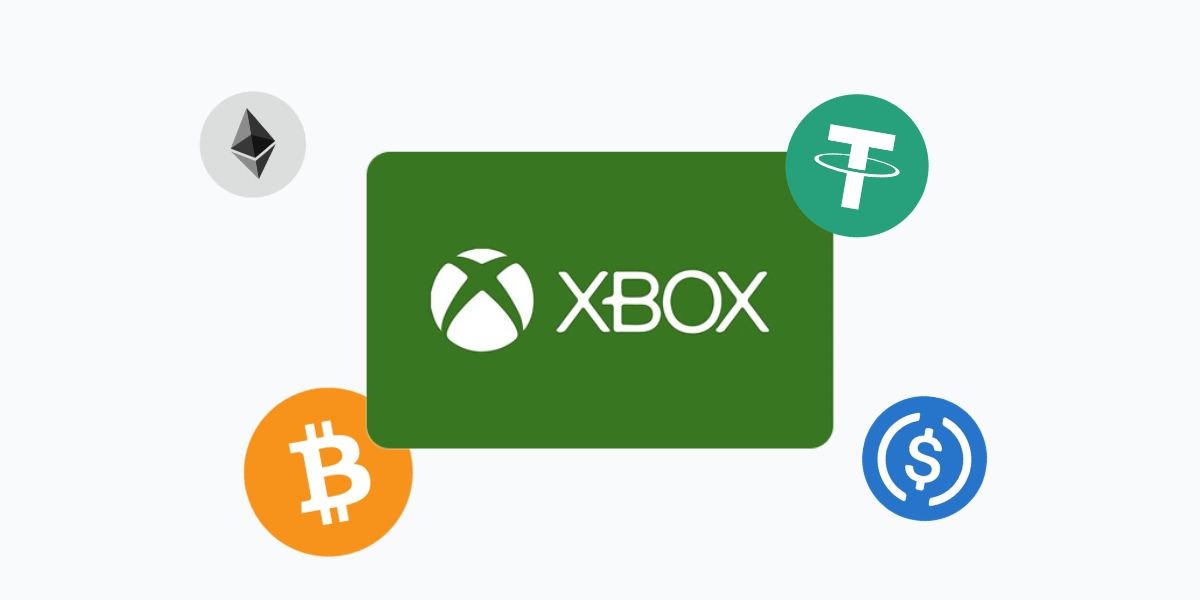
Xbox doesn't accept crypto. But you can load your Microsoft account with Bitcoin, USDT, ETH, SOL and 20+ other coins in minutes. Buy an Xbox gift card on Cryptorefills, get the code instantly and spend it across Xbox consoles and Windows PC. No credit card, no bank transfer, No KYC.
Why pay for Xbox with crypto?
Microsoft's Xbox Store and the Microsoft Store both run on fiat. If your funds are in BTC, USDT or any other coin, an Xbox gift card is the fastest way to get that value into your Microsoft account without cashing out first.
One thing worth knowing: unlike PlayStation and Nintendo, an Xbox gift card loads credit to your Microsoft account, not just your console. That means you can spend it on Xbox Series X, Xbox Series S, Xbox One and Windows PC through the Microsoft Store, all from the same balance.
Here's what you get on Cryptorefills:
- Instant delivery. Your code arrives by email as soon as your transaction confirms. For Lightning payments, that's usually under a minute.
- No KYC. No ID checks, no account verification, no waiting. Terms and conditions apply.
- Choose from 20+ directly accepted coins, or pay with 100+ cryptocurrencies through Binance Pay, Krak and KuCoin Pay.
- Multiple regions. Xbox gift cards are region-locked. Cryptorefills carries cards for multiple countries. Pick the one that matches your Microsoft account region.
What you can spend an Xbox gift card on
Once the credit is on your Microsoft account, it works across:
- Full games for Xbox Series X, Xbox Series S and Xbox One
- PC games through the Microsoft Store on Windows
- Xbox Game Pass Ultimate, PC Game Pass and Xbox Game Pass Core subscriptions
- Downloadable content (DLC) and expansion packs
- In-game currency and virtual items
- Movies, TV shows and apps from the Microsoft Store
Xbox gift card credit never expires, so you can load your account and spend whenever you're ready.
How to buy an Xbox gift card with crypto on Cryptorefills
Step 1: Open Cryptorefills
Go to the Xbox section on Cryptorefills. Select your region and make sure it matches the country linked to your Microsoft account.
Step 2: Choose your card value
Pick the denomination you need. Common amounts include $15, $25, $50 and $100, though availability varies by region.
Step 3: Select your coin and network
Choose from BTC, ETH, USDT, USDC, SOL, TRX, LTC, DOGE and more. You can also pay through Binance Pay, Krak or KuCoin Pay. Select the network that suits your wallet. Lightning is the fastest option for BTC.
Step 4: Complete payment
Send the exact amount shown to the payment address. Once confirmed, your Xbox gift card code appears on screen and is sent to your email.
Step 5: Redeem your code
Go to microsoft.com/redeem and sign in to your Microsoft account. Enter the 25-character code and confirm. The credit is added to your account immediately.
You can also redeem directly on your Xbox console. Press the Xbox button to open the guide, select Store, then choose "Use a code" and enter the code.
Region locking: what you need to know
Xbox gift cards are tied to a specific Microsoft account region. A US card adds credit in USD and can only be redeemed on a US Microsoft account. A UK card works on UK accounts in GBP, and so on.
Before buying:
Check your Microsoft account region at account.microsoft.com under your account settings.
Buy the card that matches that region exactly, not the country where you bought your console.
Unlike PlayStation, Microsoft does allow region changes on your account, though the process varies and existing balances may be affected. Confirm your current region before purchasing.
Frequently asked questions (FAQs)
- No. Xbox and the Microsoft Store accept credit and debit cards, PayPal and Microsoft account balance. Buying an Xbox gift card with crypto on Cryptorefills is the way to use your coins on Xbox.
- Yes. Xbox gift card credit can be used to purchase Xbox Game Pass Ultimate, PC Game Pass and Xbox Game Pass Core subscriptions from the Microsoft Store.
- No. Xbox gift card credit added to your Microsoft account doesn't expire. You can spend it whenever you like.
- Yes. You can redeem multiple codes and the balances combine in your Microsoft account wallet.
- Yes. Xbox gift card credit loads to your Microsoft account and can be spent in the Microsoft Store on Windows, not just on Xbox consoles.
- Check that you're redeeming in the correct regional Microsoft Store and that you've entered all 25 characters correctly. If the issue persists, contact Cryptorefills support with your order details.
- Check that you're redeeming in the correct regional Microsoft Store and that you've entered all 25 characters correctly. If the issue persists, contact Cryptorefills support with your order details.