How to spend XRP in 2026

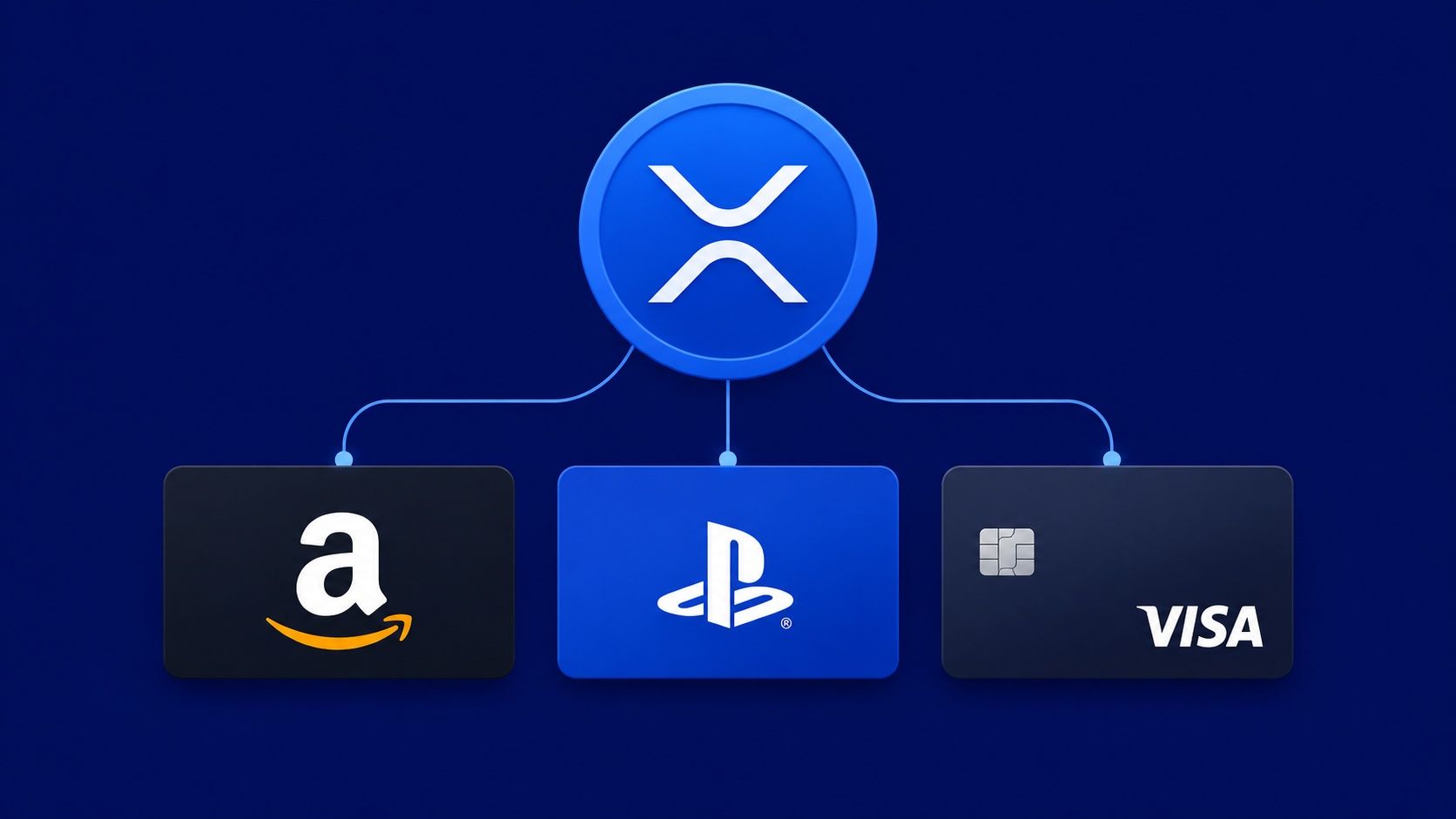
XRP had its strongest August since 2021, gaining 28.5% in a month and trading near $1.40 as September opens. The XRPL fixCleanup3_3_0 amendment activates September 11, tightening the protocol's AMM, DEX, and lending infrastructure. None of that directly changes how you spend XRP. What it does is confirm the network is being actively maintained and upgraded , the BatchV1_1 amendment bundling eight transactions into one is next in the pipeline at 68% validator support. The more immediate question for holders sitting on August gains is what to actually do with XRP right now.
Cryptorefills accepts XRP through two paths: via Binance Pay (which converts XRP from your Binance spot wallet at checkout) or after converting to USDC or USDT on any exchange and paying with that. The full catalog , 6,600+ brands across 180+ countries, including gift cards, eSIMs, mobile top-ups, and Cryptorefills Flights , is accessible through either route.
How to spend XRP via Binance Pay
If you hold XRP on Binance, you can pay at Cryptorefills using Binance Pay. At checkout, select Binance Pay as the payment method. A QR code or deep link opens the Binance Pay flow in the Binance app, where you approve the transaction. Binance converts the XRP in your spot wallet to cover the amount , you do not need to manually swap before paying.
This is the most direct path from XRP to a product. The conversion happens inside Binance's infrastructure and the Cryptorefills order receives payment in the normal way. Binance Pay works on desktop and mobile; on mobile, the Binance app handles the approval step directly.
How to spend XRP after converting to USDC or USDT
If you hold XRP on a self-custody wallet or an exchange other than Binance, convert to USDC or USDT on whatever platform you use, then send to the Cryptorefills payment address at checkout. USDT on Tron carries the lowest fees for amounts under $50. USDC on Solana and USDT on Solana both confirm in under a second. USDT on Ethereum mainnet works but carries gas fees that are disproportionate for small purchases.
For a $50 to $200 purchase , a gift card or eSIM plan , USDT on Tron or USDC on Solana are the practical choices. For larger amounts above $200, the fee difference between networks becomes less significant and the choice is mainly about which network your exchange supports for withdrawals.
Steps to buy a gift card with XRP
Step 1. Go to Cryptorefills and select the product and denomination you want.
Step 2. At the payment screen, select Binance Pay if you hold XRP on Binance, or select Solana, Tron, or another supported network if you have converted to USDC or USDT.
Step 3. Send the exact amount shown. For Binance Pay, approve within the Binance app. For USDC/USDT, send from your wallet to the generated address.
Step 4. The gift card code or eSIM QR code arrives by email within two to five minutes of payment confirmation. Delivery for flights follows the standard booking confirmation process.
The XRPL upgrade context
The fixCleanup3_3_0 amendment activating September 11 is a maintenance package covering fixes across Single Asset Vaults, the Lending Protocol, AMMs, and the permissioned DEX. It does not change payment settlement speeds or affect how XRP transfers process for end users. The BatchV1_1 amendment , which lets developers bundle up to eight transactions into a single coordinated operation , is the protocol change that will matter more for payment flows once it clears the 80% validator threshold. At 68% as of this week, it needs roughly five more validator votes to enter its two-week activation window.
Neither amendment changes the current spend path. XRP settles in under five seconds on the XRP Ledger, which is already fast enough for the Binance Pay checkout flow. The practical path to spending XRP on Cryptorefills today is the same as it was before September 11.
Frequently asked questions
- XRP is accepted via Binance Pay. If you hold XRP in your Binance spot wallet, select Binance Pay at the Cryptorefills checkout and approve the transaction in the Binance app. Binance converts the XRP to cover the order amount. If you hold XRP outside Binance, convert to USDC or USDT on your exchange and pay with that , both are accepted across multiple networks.
- Convert XRP to USDT on your exchange and withdraw via Tron. USDT on Tron carries transaction fees below $0.01, which makes it the most cost-effective rail for amounts under $100. For amounts above $100, the fee difference between networks shrinks and USDC on Solana or Ethereum mainnet are also practical options.
- The fixCleanup3_3_0 amendment activating September 11 is a set of protocol maintenance fixes covering AMMs, Vaults, and the Lending Protocol. It does not change payment confirmation speeds or how XRP transfers work for end users. The BatchV1_1 amendment bundling multiple transactions is in the validator voting process but has not yet reached the 80% threshold required for activation.
- The full catalog is accessible: gift cards for Amazon, PlayStation Store, Xbox, Netflix, Spotify, Steam, and thousands of other brands; eSIM data plans covering 200+ countries; mobile top-ups for carriers across 180+ countries; Rewarble Visa USD prepaid cards ($20–$500, global); Amex Gift Cards ($5–$2,000, US only); and Cryptorefills Flights covering 300+ airlines. Denomination ranges and regional availability are shown at checkout filtered to your location.
- In most jurisdictions, spending cryptocurrency , including XRP , on goods or services triggers a capital gains calculation based on the difference between the acquisition price and the value at the time of spending. USDT and USDC conversions may trigger a separate taxable event before the purchase. Tax treatment varies by country and specific circumstances. The question is worth checking with a tax professional familiar with crypto in your jurisdiction before making significant purchases.
- Yes. Select Binance Pay at checkout on mobile, and the Binance app opens to complete the payment. Approve the transaction inside the Binance app and the Cryptorefills order updates on confirmation. If you are buying from a desktop browser, the Binance Pay QR code can be scanned with the Binance app on your phone.
- Yes. Select Binance Pay at checkout on mobile, and the Binance app opens to complete the payment. Approve the transaction inside the Binance app and the Cryptorefills order updates on confirmation. If you are buying from a desktop browser, the Binance Pay QR code can be scanned with the Binance app on your phone.