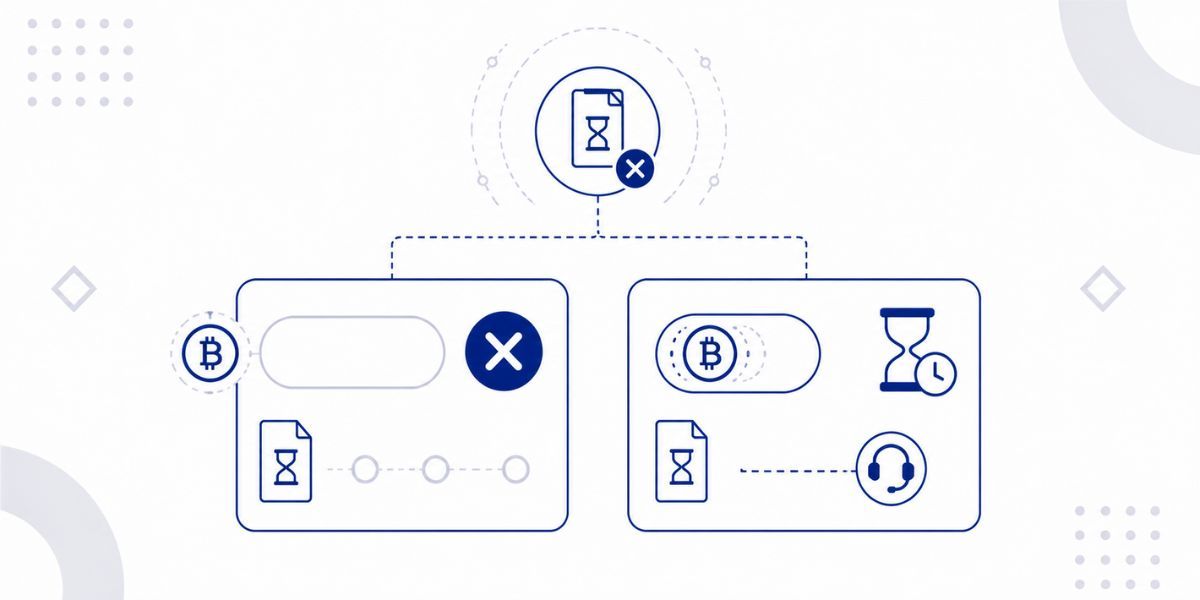
When an order is created on Cryptorefills, the system locks in a specific token amount based on the exchange rate at that exact moment. The 30-minute window is the period during which that locked rate remains valid. Crypto exchange rates fluctuate continuously, and a rate locked at the time of order creation may be materially different from the rate that applies 45 minutes later. Allowing payments beyond the window would require recalculating the order against a new rate, which would mean the user is no longer paying the amount they confirmed at checkout. The window is therefore a structural feature of how crypto payments are matched to orders, not an arbitrary restriction.
The most important distinction when dealing with an expired order is whether a payment was sent before the timer ran out or whether the window closed with nothing sent. These are two entirely different situations that require different responses, and conflating them is the most common source of confusion in the support queue.
If the payment window closed before any payment was sent, the order has expired and the payment address is no longer valid. Sending a payment to an expired address after the window has closed creates a situation where the funds may arrive on-chain but cannot be automatically matched to an order. The correct action in this scenario is to create a new order, which generates a fresh locked rate and a new payment address. The expired order can be disregarded; it carries no obligation and no consequence, as no funds were involved.
This is the scenario that most frequently reaches the support queue with a sense of urgency, and it requires different handling from a simple expiry. If a payment was sent before the 30-minute window closed but the on-chain confirmation arrived after the timer had run out, the situation is recoverable. The payment is visible on the blockchain and was sent to the correct address within the valid window. Contact Cryptorefills support with the transaction hash and the order number; support can match the confirmed payment to the expired order in these circumstances.
The guide on what to do when a payment has not been confirmed covers how to locate the transaction hash and check on-chain status before contacting support, which will provide the support team with the information needed to resolve the case efficiently.
The payment address from an expired order should not be used for a new payment. Once the order has expired, sending funds to that address will not automatically create or fulfill a new order, because the address was generated against a rate that is no longer valid. A new order generates a new payment address tied to the current exchange rate. If funds were mistakenly sent to an expired address, contact support immediately with the transaction hash.
A payment sent after the 30-minute window has closed arrives on-chain but is not automatically matched to the expired order. The order system no longer accepts new payments against that order reference. Contact support immediately with the transaction hash and the order number. The support team will investigate whether the funds can be applied or whether an alternative resolution is available, depending on the specific circumstances and timing.
The timestamp of the transaction on the blockchain is the authoritative reference. Block explorers such as mempool.space for Bitcoin, etherscan.io for Ethereum, solscan.io for Solana, and basescan.org for Base display the exact time at which each transaction was confirmed. Comparing this timestamp against the order creation time (which determines when the 30-minute window opened) establishes whether the confirmation fell within or outside the valid window.
An order may continue to display as pending after the timer expires if a payment is in transit on-chain but has not yet received enough confirmations to be considered final. On slower networks such as Bitcoin or Ethereum mainnet during congestion, a transaction sent before the window closed may still be processing after the timer has run out. In this case, the order remains pending rather than failing immediately, and it may update to Done once the on-chain confirmation is complete. If the order remains pending without updating after a further ten to fifteen minutes, contact support with the transaction hash.
The payment window is fixed at 30 minutes from order creation and cannot be extended. The window exists because the exchange rate is locked at the time the order is created, and a longer window would create a greater mismatch between the locked rate and the prevailing market rate at the time of payment. If the window closes before payment can be sent, creating a new order is the correct approach, as it generates a new rate and a new address reflecting current market conditions.