Topping up your PhonePe wallet with crypto

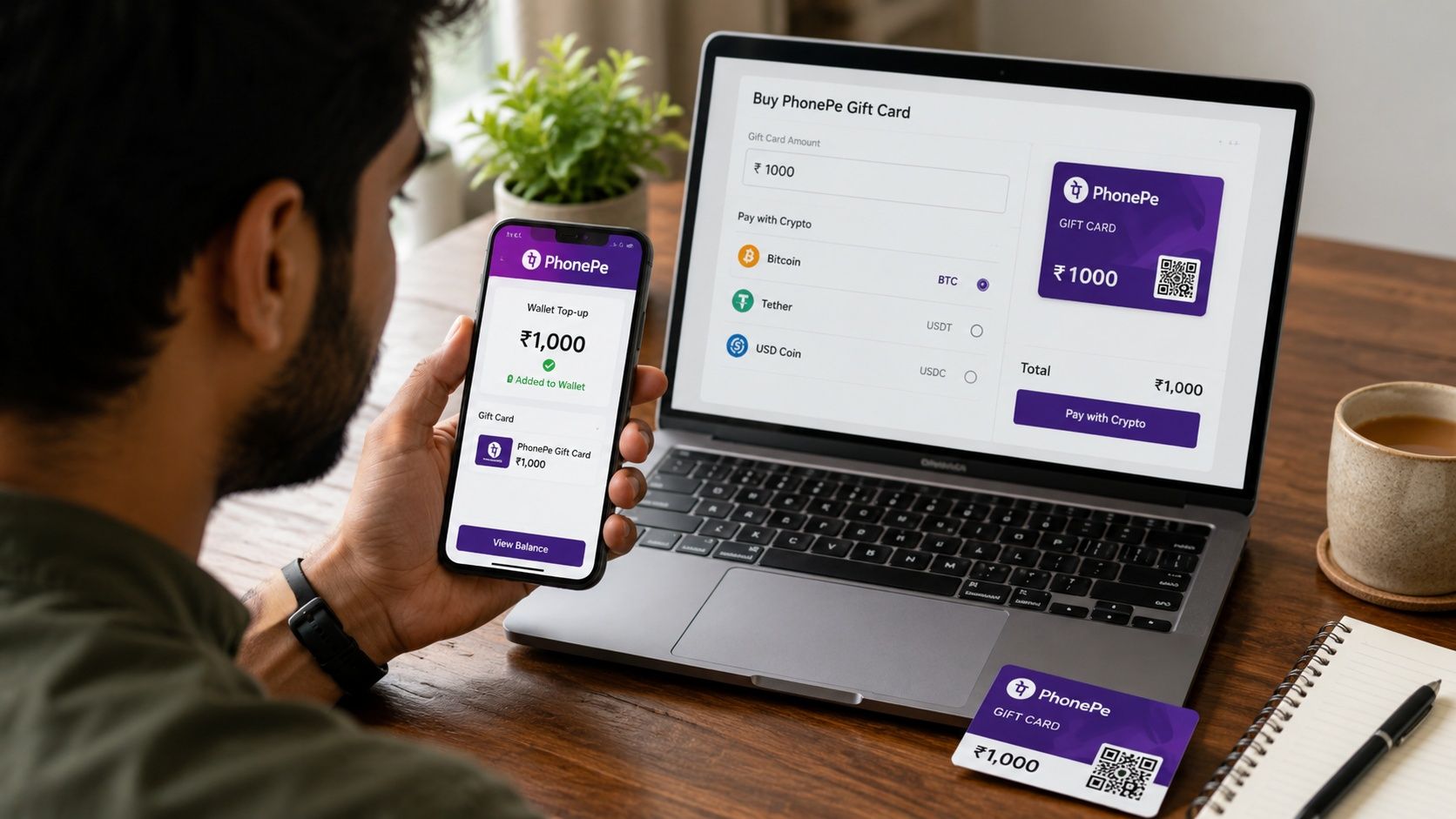
PhonePe isn't a mobile carrier, so topping up a PhonePe wallet with crypto works differently than a standard mobile recharge. Cryptorefills sells a PhonePe gift card, and you link that card to your PhonePe account to add the balance. This guide covers both halves: buying the card with crypto, and getting the balance into your wallet.
The product is available to customers located in India.
Buying and linking a PhonePe gift card, step by step
1. Go to the PhonePe gift card page under India on Cryptorefills and pick an amount (₹10,000 is the default shown, other denominations are available).
2. Choose your coin. USDC, USDT, BTC over Lightning, ETH and LTC are the simplest options, with 15+ others supported.
3. Pay and receive your gift card code, typically within minutes of confirmation.
4. Open the PhonePe app, go to My Profile, then All payment methods, then PhonePe Gift Card, then Claim now, and enter the card number and PIN.
Redeeming without friction
PhonePe may ask for identity verification (KYC) when you claim the gift card, separately from any KYC tier on the Cryptorefills side. Redeem using your regular connection rather than a VPN, since redeeming through a VPN is a common cause of activation failures on the PhonePe side.
E-money products in general, PhonePe gift cards included, can't exceed €1,000 per order. If you're buying a PhonePe card alongside other gift cards in the same cart, ordering them separately avoids running into that limit unexpectedly.
If you're holding multiple linked gift cards, PhonePe applies the balance that's closest to expiry first. That's worth knowing if you're stacking several purchases, since it isn't a first-in-first-out queue you control manually.
Coins and networks supported
Cryptorefills accepts Bitcoin on Lightning Network, LTC, ETH, USDC, USDT, PYUSD, DAI, EUROC and FDUSD across Ethereum, Polygon, Arbitrum, Avalanche, Optimism, BSC, OKX, Base, Sonic, Plasma, World Chain, Tron, Solana, TON and Sui. Binance Pay, Krak Pay, KuCoin Pay and Gate Pay all work for checkout too, which matters if most of your balance sits on an exchange rather than in a self-custodied wallet.
For a purchase this size, the coin matters less than the network fee relative to the gift card amount. A stablecoin on Solana or Tron keeps the fee small next to a ₹10,000 card. The same stablecoin on Ethereum mainnet works fine but the gas fee takes a bigger bite out of a purchase in this range.
Frequently asked questions
Can I buy a PhonePe gift card with Bitcoin?
Yes. Cryptorefills accepts Bitcoin over the Lightning Network for PhonePe gift cards, along with USDT, USDC, ETH, LTC and 15+ other coins across multiple networks.
Is the PhonePe gift card available outside India?
No. The product is restricted to customers located in India.
What's the maximum I can spend per card?
Without a Cryptorefills account, up to €200 per card. With a registered account, up to €500. With a KYC-verified account, up to €1,000 per card and €5,000 per day.
Does PhonePe ask for KYC when I redeem the gift card?
It can. PhonePe may require identity verification during redemption, separate from any verification on the Cryptorefills side.
How do I link a PhonePe gift card to my account?
In the PhonePe app, go to My Profile, then All payment methods, then PhonePe Gift Card, then Claim now, and enter the gift card number and PIN.
If I have multiple gift cards linked, which balance gets used first?
PhonePe automatically applies the balance from the card closest to its expiry date, not necessarily the one you linked first.