How to top up WOM and Entel Chile with crypto

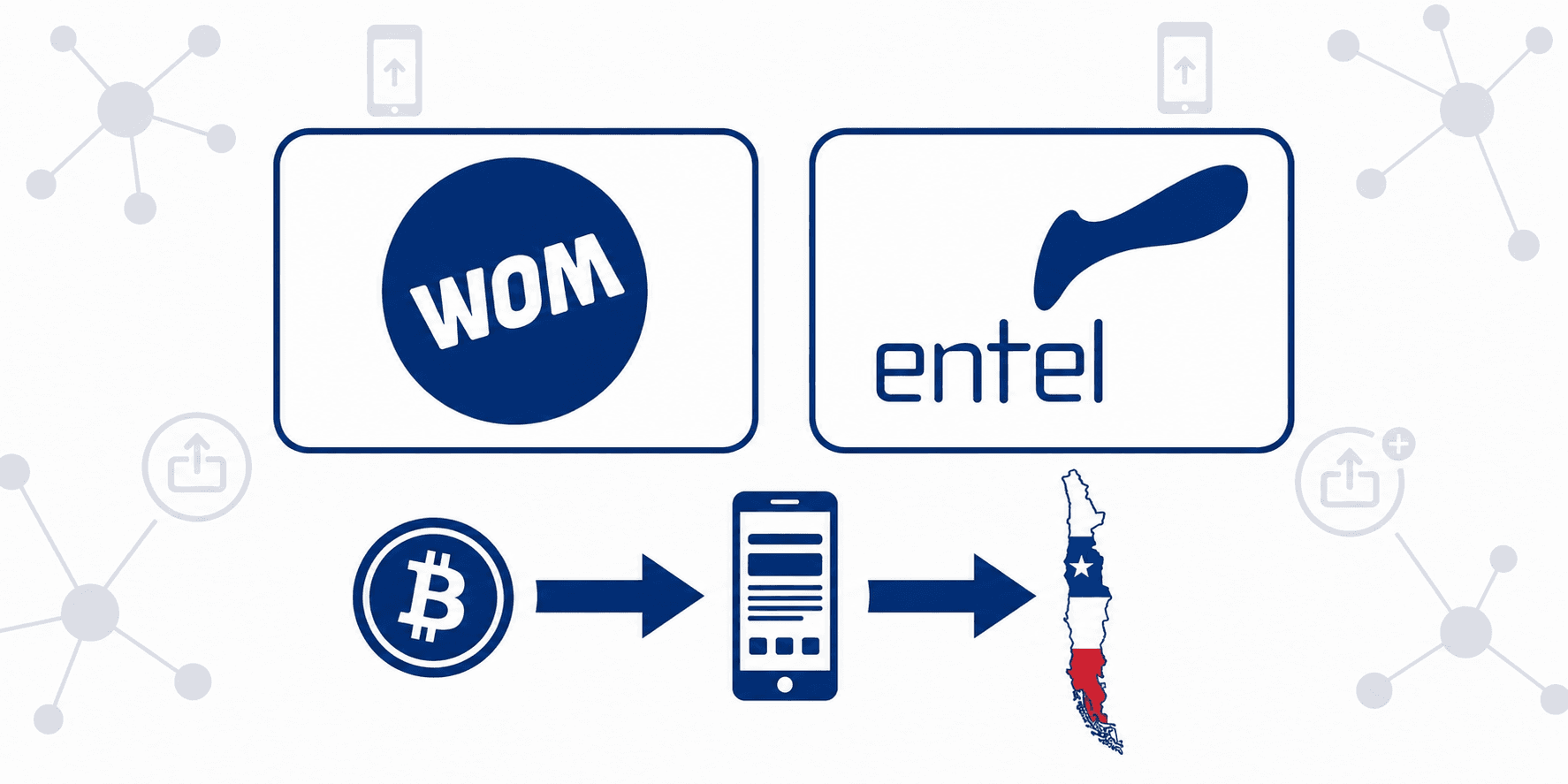
WOM and Entel are two of Chile's main mobile carriers. Both are available on the Chile mobile top-up page on Cryptorefills. Enter the Chilean number, select the denomination and carrier, then pay with crypto. The credit is applied within minutes, no account registration needed.
How to enter a Chilean mobile number correctly
Enter the number exactly as it appears in the number field on the site, with no spaces or extra characters. Note that due to number portability in Chile, the prefix alone doesn't always tell you which carrier a number is on. Make sure you've selected the correct carrier before confirming your order.
WOM or Entel, which to choose
Both WOM and Entel are major mobile carriers in Chile, and the top-up process on Cryptorefills is the same for either one. Simply select the carrier that matches the number's active SIM. If you're unsure which carrier the number is on, make sure to confirm before placing the order.
Which crypto to use for Chilean top-ups
Cryptorefills supports several coins for Chilean top-ups, including USDT, USDC, SOL, and BTC on Lightning. You can choose whichever coin is most convenient for you.
Step-by-step: top up WOM or Entel Chile with crypto
Step 1. Go to the Chile mobile top-up page on Cryptorefills and select WOM or Entel from the carrier list.
Step 2. Enter the number, select the carrier, and select the denomination.
Step 3. Choose your coin and network. Copy the exact payment amount shown, rounding or approximating the figure will cause the order to remain pending until the payment window expires.
Step 4. Send the payment. The top-up is applied to the number within minutes of on-chain confirmation.
What happens if the top-up does not arrive
If the credit has not appeared within 30 minutes of on-chain payment confirmation, contact Cryptorefills support with the transaction hash and order number. If you are unsure how to find the transaction hash, it is in the transaction history of the wallet used to send the payment.
The mobile top-up number guide covers the most common errors to avoid when entering a number for the first time.
Frequently asked questions
- Yes. You can top up a Chilean WOM or Entel number from anywhere. Enter the number, select the correct carrier, and the top-up is applied regardless of where you are located when you place the order.
- Number portability in Chile means the number prefix is not always a reliable indicator of the current carrier. Make sure you've selected the correct carrier before confirming your order. Sending a top-up to the wrong carrier will not be delivered, and cannot be reversed.
- Cryptorefills doesn't add any extra fees on top of your payment. You can choose whichever coin is most convenient for you.
- Most top-ups are applied to the number within minutes of payment confirmation. If the credit has not arrived within 30 minutes, contact Cryptorefills support with the transaction hash and order number.
- The Chile catalog page shows all available carriers for your location.
- If the top-up is sent to the correct number but the wrong carrier is selected, the top-up will not be delivered and cannot be reversed. Contact Cryptorefills support immediately with the order number.
- If the top-up is sent to the correct number but the wrong carrier is selected, the top-up will not be delivered and cannot be reversed. Contact Cryptorefills support immediately with the order number.