How to top up your eSIM and add more data

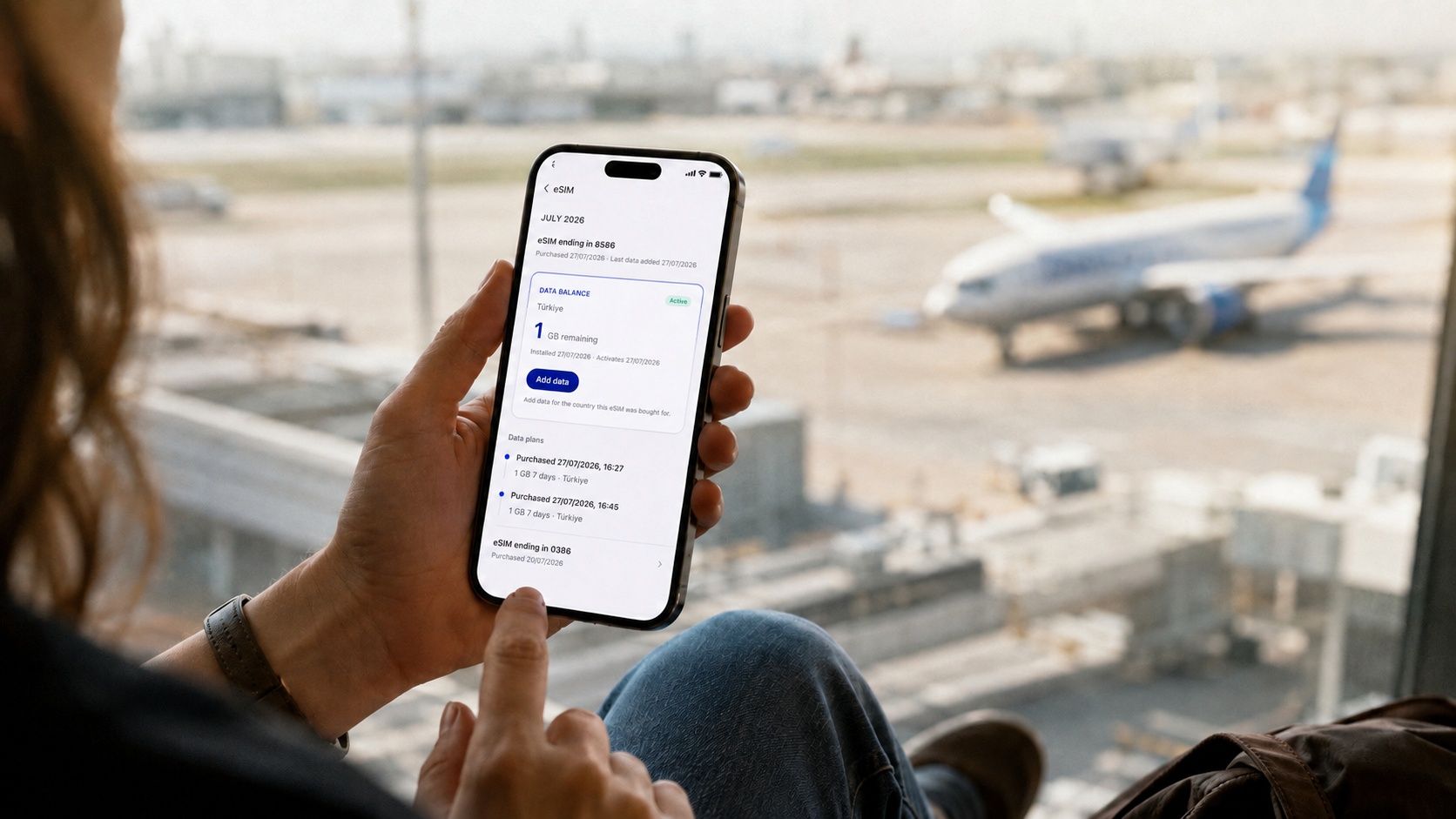
If your Cryptorefills eSIM supports top-ups, you can add another data package from My Refills and continue using the eSIM profile already installed on your phone. The additional package is added to that profile, so your existing device setup can stay in place.
You can also use My Refills to check the remaining data and validity of supported eSIMs before buying another package.
How to top up your eSIM on Cryptorefills
Step 1. Sign in to Cryptorefills and open My Refills. Your eSIMs are listed in the eSIM section of this page.
Step 2. Select the eSIM you want to use. Depending on the eSIM and its status, you can see options such as the current balance, validity, and available data packages.
Step 3. Choose Top up eSIM or Add data, then review the packages available for that eSIM. Top-up packages are tied to the country the eSIM was purchased for.
Step 4. Select the package you want and complete checkout. Once the purchase is processed, the additional data is associated with your existing eSIM profile.
How to check your eSIM data before topping up
Before buying another package, open the relevant eSIM in My Refills and select Check balance where the option is available. The result can show how much data remains and when the current package expires.
Some providers may be temporarily unable to return a balance. If that happens, try again later or use the usage information available on your device.
What happens when you add more data to an eSIM
An eSIM profile and a data package serve different functions. The profile is the digital SIM installed on your device. The package is the mobile data allowance running on that profile for a defined amount of data or validity period.
When you add another eligible package through Cryptorefills, the data package is associated with the eSIM profile you already use. Your device can continue using the same eSIM configuration.
What stays the same after an eSIM top-up
Cryptorefills eSIMs are data-only. Your primary SIM can continue handling your regular phone number, calls, and messages while the travel eSIM provides mobile data.
Any dual SIM settings you configured for mobile data can remain in place after you add another package, provided the eSIM profile is still installed on the device.
Can you top up an eSIM for another country?
Top-up packages are available for the country linked to the existing eSIM. If your eSIM was purchased for Japan, the available top-ups are for Japan.
If you are travelling to another destination, purchase an eSIM plan for that country instead. The new destination is handled separately from the package on your existing eSIM.
If your eSIM does not appear in My Refills
If you cannot find an eSIM under My Refills or the expected top-up option is missing, contact Cryptorefills support with the relevant order details. Availability can depend on the eSIM provider and the status of the original purchase.
For more on installation, compatibility, and how travel eSIMs work, read the Cryptorefills eSIM guide. You can also read the refills guide for an overview of which Cryptorefills products can be purchased again from your account.
Frequently asked questions
- Sign in to Cryptorefills, open My Refills, select the eSIM you want to use, and choose Top up eSIM or Add data. Select an available package and complete checkout. The additional data is then associated with your existing eSIM profile.
- When you add an eligible package to the eSIM already installed on your phone, the existing profile continues to be used. A new installation is generally unnecessary for that top-up flow.
- Your eSIM information is available under My Refills in your Cryptorefills account. Open the relevant eSIM to view its available balance and top-up options where supported.
- Supported eSIMs show a Check balance option in My Refills. The result can display the remaining data and package expiry date. Balance information may be temporarily unavailable for some providers.
- Top-up packages are tied to the country linked to the existing eSIM. For another destination, purchase an eSIM plan for that country.
- Cryptorefills eSIMs are data-only. Your regular SIM can remain active for your phone number, calls, and messages while the eSIM handles mobile data.
- Check whether the eSIM can be reinstalled on the same device. If the profile cannot be restored or you are unsure which option applies, contact Cryptorefills support with the order details.
- Check whether the eSIM can be reinstalled on the same device. If the profile cannot be restored or you are unsure which option applies, contact Cryptorefills support with the order details.