Why the exact crypto amount matters at checkout

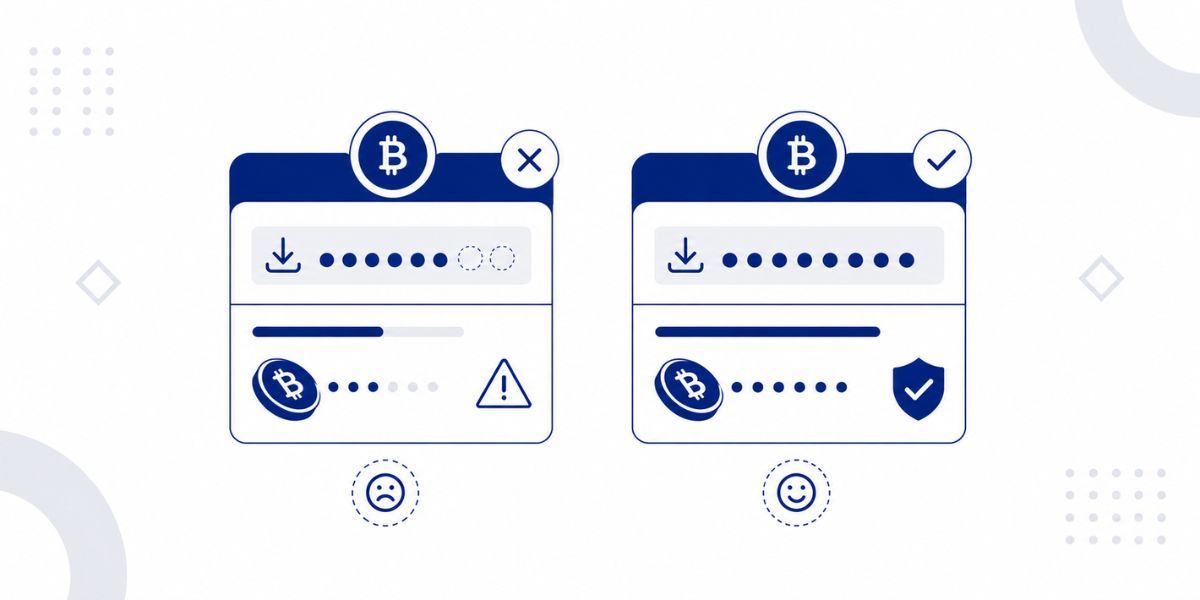
How Cryptorefills payment confirmation works
When an order is created on Cryptorefills, the system generates a payment address and locks in a specific token amount based on the exchange rate at that moment. That locked amount is the only figure that will trigger order fulfillment. The system does not process partial payments, apply credit from previous transactions, or accept an amount that differs from the one shown at checkout, regardless of how small the discrepancy is.
This design exists because the order is tied to a rate that was valid at a specific point in time. If the system accepted varying amounts, an underpayment would require a manual rate recalculation that may no longer reflect the original agreement, and an overpayment would create a credit balance that the platform is not structured to hold. The practical implication for users is that the amount displayed at checkout should be copied exactly from the screen rather than approximated or entered manually.
Why rounding errors are more common than they appear
The most frequent source of underpayment is manual amount entry rather than copying the figure directly from the payment screen. A user who reads "24.97 USDC" and enters "24.97" without confirming the full precision of the required amount may be sending a figure that is correct to two decimal places but incorrect at the sixth, which is where USDC operates. Tokens such as USDC carry six decimal places of precision, and a difference at the fourth or fifth decimal place is sufficient to cause the payment to fall short of the required amount.
The most reliable method is to use the QR code or the copy function on the payment screen, which copies the exact amount to the clipboard without manual transcription. Where a wallet requires the amount to be entered manually, the full string as displayed on the Cryptorefills payment page should be entered character by character rather than approximated from memory.
Network fees and the amount that arrives
The network fee is separate from the order total, and how it is charged depends on where you send from. Most self-custody wallets take the network fee from your balance separately, so the amount you send arrives in full. Exchanges usually deduct the withdrawal fee from the amount you enter, so less arrives than you typed. Some wallet features that let you pay fees in USDT also take the fee from the sent amount. The rule is simple: the amount that arrives must be exactly the order total. The wallet or exchange confirmation summary shows the final amount before you send, so check it there.
What to do if a payment has already been sent incorrectly
If a payment has been sent for an amount that differs from what was required, the first action is to locate the transaction hash from the sending wallet. This is the unique identifier for the transaction on the blockchain and is required for support to investigate the order. The transaction hash can be found in the transaction history of any wallet application, typically displayed as a long alphanumeric string beginning with "0x" on EVM networks or a different format on Solana and Bitcoin.
Support should be contacted through the Cryptorefills support page with the transaction hash, the order number, and a description of what was sent versus what was required. The guide on what to do when a payment has not been confirmed covers the steps for checking transaction status on a block explorer before contacting support.
Frequently asked questions
- The order will remain in a pending state until the 20-minute payment window expires. Once the window closes, the order expires and the product is not delivered. The payment sent will be visible on the blockchain but will not have been applied to the order. Contact Cryptorefills support immediately with your transaction hash and order number; the team can advise on available options, though recovery of the exact original order is not guaranteed.
- The order is created against a locked exchange rate, and the system verifies the received amount against that specific figure automatically. A discrepancy of any size prevents the automated fulfillment process from completing, because the system cannot determine whether a shortfall represents an intentional partial payment or a rounding error without manual investigation. Copying the amount exactly from the payment screen avoids this situation entirely.
- Sending a second transaction to make up the difference is not recommended without contacting support first, because the payment window may have expired by the time the correction is sent, or the two separate transactions may not be matched automatically. Contact support with both transaction hashes and the order number before sending any additional payment.
- USDC operates with six decimal places of precision on all networks where Cryptorefills supports it, including Solana, Base, Arbitrum, Polygon, and Ethereum mainnet. The amount displayed on the Cryptorefills payment screen reflects the full required precision. The Solana wallet payment guide covers token precision in the context of specific wallet applications.
- Sending USDC on Ethereum to an address generated for USDC on Solana, for example, means the payment arrives on a different network than the one the order was configured for. The order will not detect the payment and will expire. Contact Cryptorefills support immediately with your transaction hash; the support team can assess whether the funds are recoverable based on the specific networks involved.